

ChiroRank™ – Chiropractic SEO Tools
By drjasonforward
Free compliance scanner, medical schema generator, and SEO checklist built for chiropractors.
0+ active installations
- Version
- 1.6.1
- WordPress
- 6.0+
- PHP
- 7.4+
- Updated
- 29 Oct 2026
WORDPRESS RESOURCES
Explore public plugin information from the official WordPress.org directory. Compare what a plugin does, its requirements and update history before adding it to your website.
Explore WordPress hosting →903 matching plugins reported by WordPress.org · Page 22 of 50
Source: WordPress.org
Data refreshed 27 Nov 2026 20:19 UTC
By drjasonforward
Free compliance scanner, medical schema generator, and SEO checklist built for chiropractors.

By formsintegrations
Visit plugin's website

By Sharafat Siam
Show a welcome discount popup for first-time visitors. Perfect for WooCommerce stores to promote a coupon and increase conversions.

By Suman Kumar Das (ElegantDev)
Double WooCommerce sales with privacy-first cookieless analytics, exit-intent offers, A/B testing splits, and cart recovery.

By brandkity
Browse BrandKity brand and legal kits directly inside WordPress Admin and import logos, SVG icons, visuals, 3D models, and brand assets into your Medi …

By Super Duper Plugins
Lightweight SEO: titles, descriptions, Open Graph, XML sitemap, 301 redirects, AI crawler control, content rating, WooCommerce-friendly.
By Darshit Rajyaguru
Lightweight, fast custom post type, taxonomy, and meta field builder for WordPress. Perfect for developers.

By NonStop Dev
Export clean WordPress page and post content as HTML or plain text — no page builder code, no noise.

By Victor Ndu
Embeds the Nviti Chat Widget onto your WordPress website, providing AI-powered customer support.

By The 9 Dollar Plugins
Create clean shortlinks right inside your WordPress admin. Lightweight, no database bloat, and everything lives under your own domain.

By ingenidev by Bright Vortex LLC & MetaNetSkills Lda
By default, WooCommerce uses the currency symbol for the Lebanese Pound (Lira) (LBP) as "ل.ل". This ingenidev plugin changes it to "LBP".
By ingenidev by Bright Vortex LLC & MetaNetSkills Lda
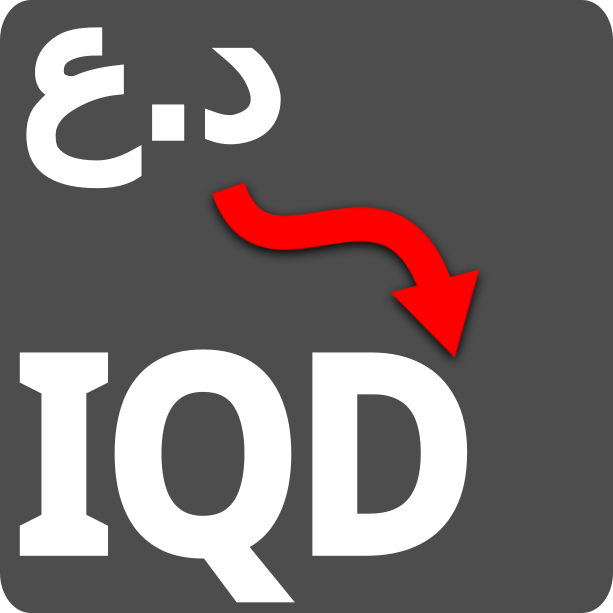
By default, WooCommerce uses the currency symbol for the Iraqi Dinar (IQD) as "د.ع". This ingenidev plugin changes it to "IQD".
CHOOSE WHAT YOUR WEBSITE NEEDS
Start with the task you need to solve. Compare features, WordPress and PHP requirements, update history and the author’s documentation. Test changes on a private copy and avoid adding several plugins for the same job.
This independent directory displays plugin information on WebFulHost and links to the official source. Packages are not mirrored or installed here. A plugin can include paid extensions or services with separate terms from its author.