

SteadyScore
By steadypress
Audit every installed plugin for reliability, security, and maintenance health. Get a single SteadyScore from 0 to 100 per plugin.
0+ active installations
- Version
- 1.0.3
- WordPress
- 6.0+
- PHP
- 8.1+
- Updated
- 3 Jul 2026
WORDPRESS RESOURCES
Explore public plugin information from the official WordPress.org directory. Compare what a plugin does, its requirements and update history before adding it to your website.
Explore WordPress hosting →615 matching plugins reported by WordPress.org · Page 29 of 50
Source: WordPress.org
Data refreshed 23 Nov 2026 01:26 UTC
By steadypress
Audit every installed plugin for reliability, security, and maintenance health. Get a single SteadyScore from 0 to 100 per plugin.

By shawfactor
LH Cache Remote Images allows you to scan a post to fetch remote images; then updates its content automatically.

By rfdizon
Scans your WordPress site for security issues and explains them in plain English — with one-click fixes on Pro.
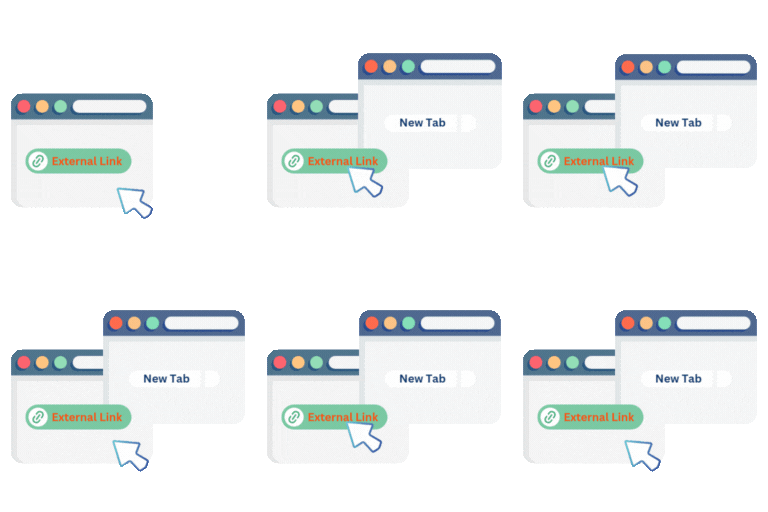
By ATechSol
Automatically opens external links in a new browser tab, improving user engagement and site security.

By klydexa
Diagnose. Understand. Fix. Protect. Local-first health, security, compatibility, performance, database and plugin-conflict auditing for WordPress.

By ricardomorales
Core integrity, vulnerability audit, unused media cleanup, disk usage, profiling, users, WPO and AI bot blocking in one admin panel.

By WP Event Manager
WP Event Manager Rest API

By levmedia
Catch WordPress handoff mistakes before your client does. Run read-only audits, prioritize fixes and create client-ready reports from one dashboard.

By ghostables
Active security for WordPress: vulnerability scanning, file integrity, hardening checklist, two-factor authentication, and a tamper-evident audit log.
Every WordPress exploit targets PHP. Camouflage disables PHP for public visitors and serves static HTML instead, making your site unexploitable from t …

By Nadeem Khan
Scan internal and external links, monitor your WordPress website's overall link profile, and review link structure for SEO.
CHOOSE WHAT YOUR WEBSITE NEEDS
Start with the task you need to solve. Compare features, WordPress and PHP requirements, update history and the author’s documentation. Test changes on a private copy and avoid adding several plugins for the same job.
This independent directory displays plugin information on WebFulHost and links to the official source. Packages are not mirrored or installed here. A plugin can include paid extensions or services with separate terms from its author.
