

WPB WooCommerce tab manager can add additional dynamic tabs to your products. It enhances the customer experience and helps reduce pre-sale inquiries.
★ 4.5/5 (14)500+ active installations
- Version
- 1.4
- WordPress
- 5.0+
- Updated
- 13 Aug 2026
WORDPRESS RESOURCES
Explore public plugin information from the official WordPress.org directory. Compare what a plugin does, its requirements and update history before adding it to your website.
Explore WordPress hosting →7,892 matching plugins reported by WordPress.org · Page 3 of 50
Source: WordPress.org
Data refreshed 23 Nov 2026 05:45 UTC
WPB WooCommerce tab manager can add additional dynamic tabs to your products. It enhances the customer experience and helps reduce pre-sale inquiries.

By Saad Iqbal
Gutena Tabs is a simple and easy-to-use WordPress plugin which allows you to create beautiful tabs in your posts and pages.
Easily add a range of custom fields to WooCommerce products, from text boxes to date selectors, allowing customers to personalize their orders.

By oceanwp
Website: https://oceanwp.org/ Support: https://oceanwp.org/support/ Documentation: https://docs.oceanwp.org/ Extensions: https://oceanwp.
Add notes to WooCommerce products.
By YITHEMES
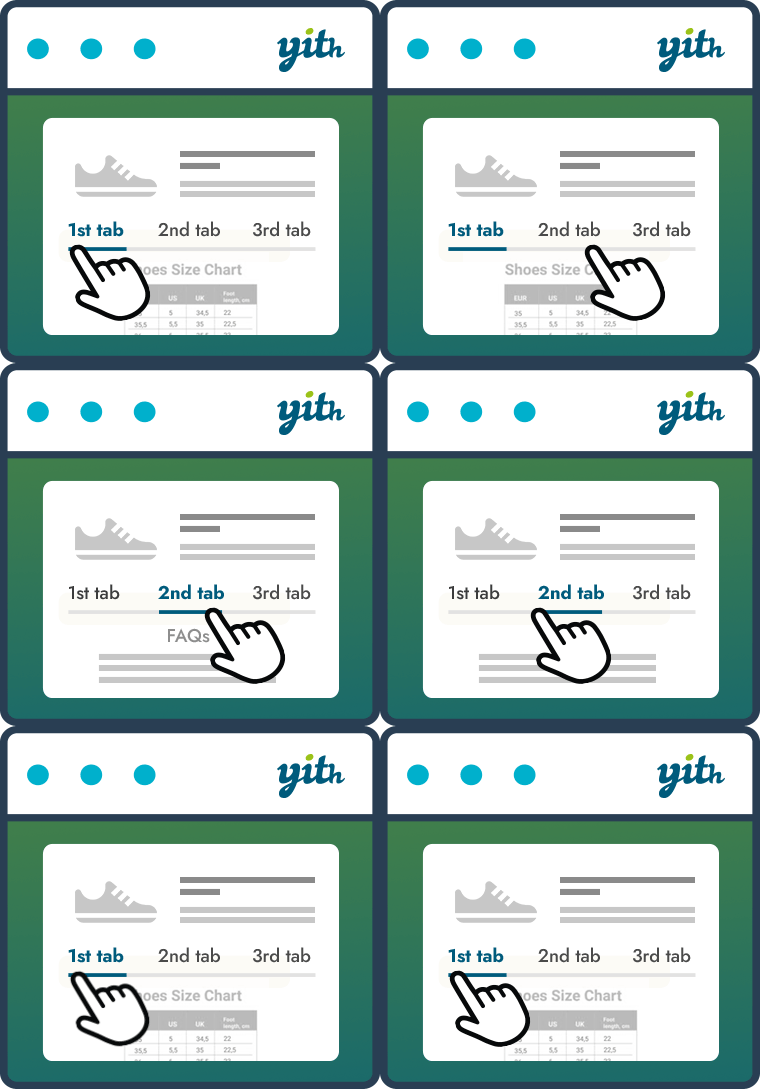
Improve your WooCommerce product pages by adding custom tabs and ad hoc content for your customers
Build responsive, sortable and searchable tables with drag & drop. Import CSV, Excel or JSON. Create data, pricing, comparison and product tables.

By Oxilab
Create impressive, lightweight, responsive WooCommerce product layouts. Compatible with popular themes & page builders.
Elementor templates, Header footer builder, Elementor Post Grid, Woocommerce Grid builder, Slider, Forms, Gallery, Nav menu addons, Elementor widgets.
Site Kit is a one-stop solution for WordPress users to use everything Google has to offer to make them successful on the web.

By Dotstore
Plugin lets you easily upload any file type (images, documents, videos, etc.) to customer orders.
Build eCommerce sites & boost your earnings with the WooCommerce Builder, WooCommerce Blocks, and more effective features.
CHOOSE WHAT YOUR WEBSITE NEEDS
Start with the task you need to solve. Compare features, WordPress and PHP requirements, update history and the author’s documentation. Test changes on a private copy and avoid adding several plugins for the same job.
This independent directory displays plugin information on WebFulHost and links to the official source. Packages are not mirrored or installed here. A plugin can include paid extensions or services with separate terms from its author.





