

Tweakr – Advanced options toolkit
By Andi Dittrich
Supercharges your Blog with production grade Tweaks, Features and Utilities
★ 5.0/5 (1)30+ active installations
- Version
- 2.2.0
- WordPress
- 6.8+
- PHP
- 7.4+
- Updated
- 12 Apr 2026
WORDPRESS RESOURCES
Explore public plugin information from the official WordPress.org directory. Compare what a plugin does, its requirements and update history before adding it to your website.
Explore WordPress hosting →89 matching plugins reported by WordPress.org · Page 3 of 8
Source: WordPress.org
Data refreshed 19 Nov 2026 23:29 UTC
By Andi Dittrich
Supercharges your Blog with production grade Tweaks, Features and Utilities

By cleverplugins
WordPress security plugin with a free 8G firewall, 50+ tests, vulnerability and core scans, an events log, and optional read-only MCP abilities.

By joho68
WordPress security plugin. Requires WordPress 6.2+ and PHP 7.4+.
Import blog posts from ANY XML feed into WordPress with full control over mapping, scheduling, and duplicate handling.
By Tamas Rottenbacher
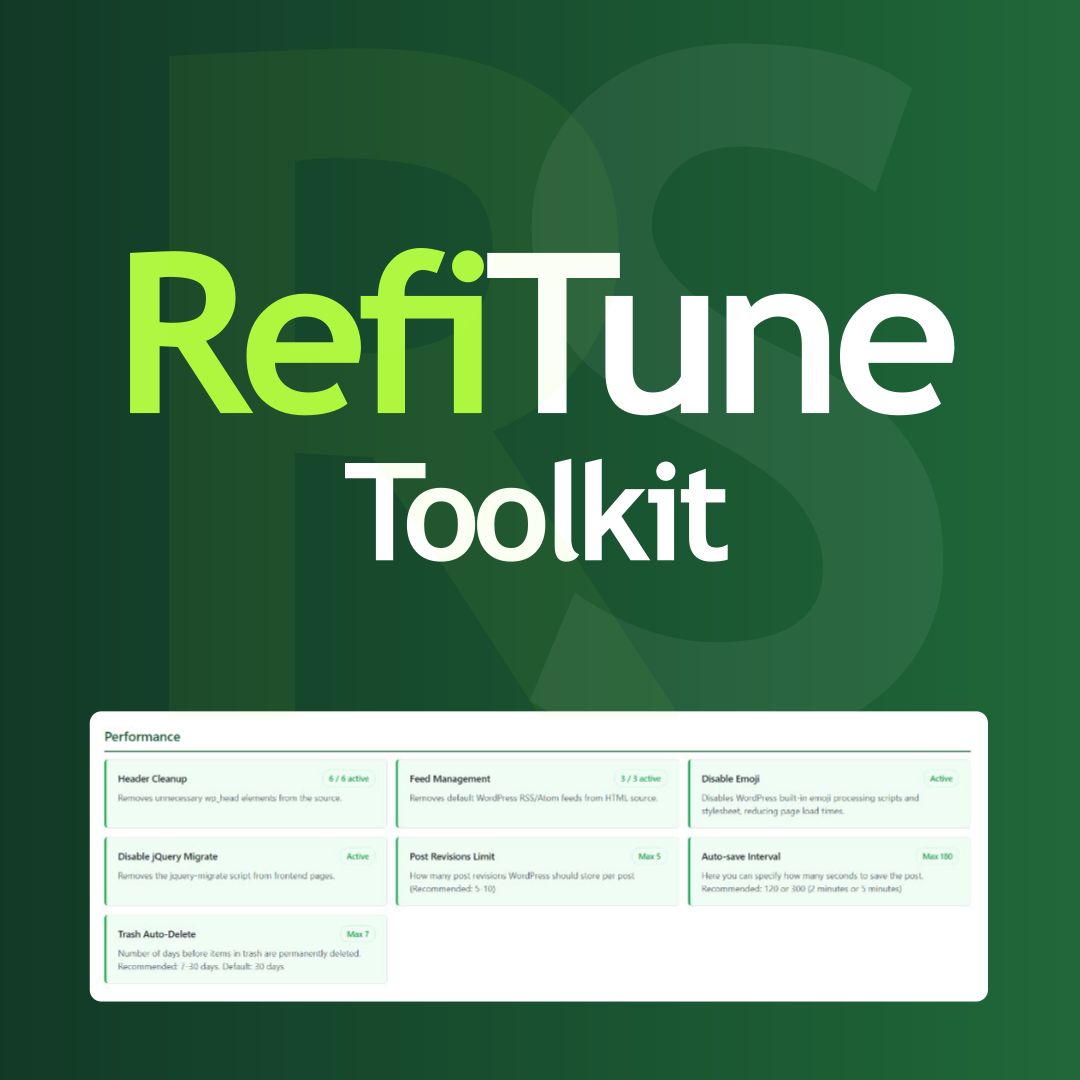
Take control of WordPress with smart performance tweaks, security enhancements, and usability improvements. RefiTune is an all-in-one toolkit.

By Sky Plugins
Migrate Blogger to WordPress with preview-first import, live progress, retry failed items, and SEO-friendly 301 redirects.

By Andy Feliciotti
Add an "Unlisted" toggle to posts and pages. Unlisted content stays viewable by link but is hidden from archives, feeds, search and search engines.

By Matthias Pfefferle
Helps other apps and services find out what your site offers.

By Streetcar Productions
Build RSS, Atom, JSON Feed, XML, Media RSS and CSV feeds from your WordPress content, with full text, templates and optional token protection.

By ufukart
🚀 The ultimate WordPress optimization toolkit. Clean up unnecessary code, boost performance, and enhance security!
Push and pull posts, pages, media and ACF between WordPress sites. Import and export CSV, XML, JSON, Excel. From WP Admin or your AI agent.

By Invizo
Turn WordPress into a headless CMS backend with frontend redirects, CORS controls, draft previews, login branding, and security hardening.
CHOOSE WHAT YOUR WEBSITE NEEDS
Start with the task you need to solve. Compare features, WordPress and PHP requirements, update history and the author’s documentation. Test changes on a private copy and avoid adding several plugins for the same job.
This independent directory displays plugin information on WebFulHost and links to the official source. Packages are not mirrored or installed here. A plugin can include paid extensions or services with separate terms from its author.

