

WBD Timeline Block For Gutenberg
By wpbranddigital
Build beautiful, responsive animated timelines with a native Gutenberg block.
★ 5.0/5 (1)40+ active installations
- Version
- 1.0.2
- WordPress
- 6.5+
- PHP
- 7.4+
- Updated
- 15 Nov 2026
WORDPRESS RESOURCES
Explore public plugin information from the official WordPress.org directory. Compare what a plugin does, its requirements and update history before adding it to your website.
Explore WordPress hosting →2,101 matching plugins reported by WordPress.org · Page 30 of 50
Source: WordPress.org
Data refreshed 23 Nov 2026 21:25 UTC
By wpbranddigital
Build beautiful, responsive animated timelines with a native Gutenberg block.
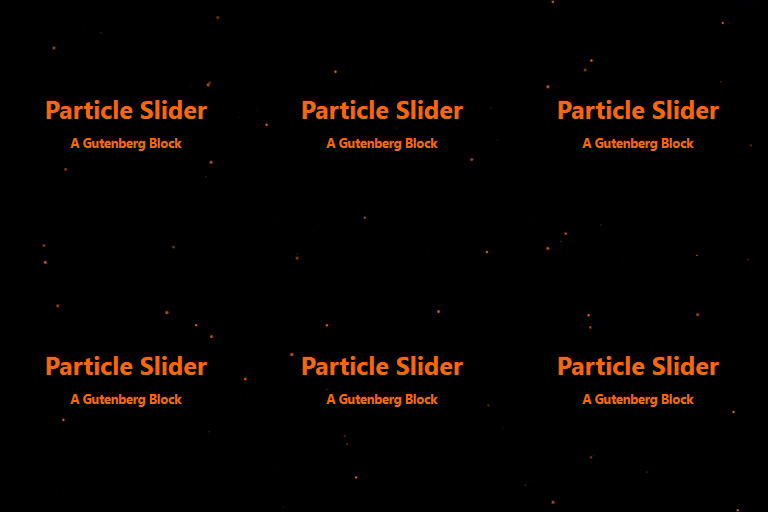
By samiur6688
A Gutenberg image slider block with heading, subheading, button, and optional animated particle effects.

By Seraphinite Solutions
Turns on site high speed to be attractive for people and search engines.
Create stunning vertical or horizontal timelines to showcase stories, events, milestones, and memories on any WordPress site – no coding needed.

By YITHEMES
This plugin adds the possibility to have a quick preview of the products right from product list
Elementor addons with 34 free widgets: galleries, sliders, form styler, carousels, pricing tables, countdowns, and lightweight Elementor extensions.

EmbedPress lets you embed videos, pages, social feeds, embed PDF 3D flipbooks & other content on WordPress without coding & enhance storytelling.

By PickPlugins
Post Grid is a powerful WordPress plugin for creating customizable post grid layouts with advanced query options, allowing users to display posts dyna …
Lightweight Elementor addons & Gutenberg blocks. Copy/paste hero sections, sliders, and timelines to build fast websites without heavy plugins.

By Turbo Addons
Turbo Addons for Elementor offers 90+ widgets & 200+ modern ready templates - free menu, slider, post list, modal, accordion, grid, woocommerce & mroe

By Mortgage Calculator
Loan calculator with sliders: pick the amount, term and credit rating and see the repayment at once. Gutenberg block and shortcode.
YITH WooCommerce Product Gallery & Image Zoom add zoom effect to product images and a customizable image slider.
CHOOSE WHAT YOUR WEBSITE NEEDS
Start with the task you need to solve. Compare features, WordPress and PHP requirements, update history and the author’s documentation. Test changes on a private copy and avoid adding several plugins for the same job.
This independent directory displays plugin information on WebFulHost and links to the official source. Packages are not mirrored or installed here. A plugin can include paid extensions or services with separate terms from its author.


