

Power up your website with the Content Slider Block plugin. Easily create professional sliders using our new block editor integration!
★ 3.2/5 (5)3,000+ active installations
- Version
- 3.2.3
- WordPress
- 6.5+
- PHP
- 7.4+
- Updated
- 17 Nov 2026
WORDPRESS RESOURCES
Explore public plugin information from the official WordPress.org directory. Compare what a plugin does, its requirements and update history before adding it to your website.
Explore WordPress hosting →10,000 matching plugins reported by WordPress.org · Page 32 of 50
Source: WordPress.org
Data refreshed 22 Nov 2026 22:29 UTC
Power up your website with the Content Slider Block plugin. Easily create professional sliders using our new block editor integration!

By Joe Dolson
Accessible WordPress event calendar plugin. Manage single or recurring events, event venues, and display your calendar anywhere on your site.

Boost site speed and performance with an all-in-one cache and speed optimization plugin. Pass Core Web Vitals with CDN, image optimization, lazy loadi …
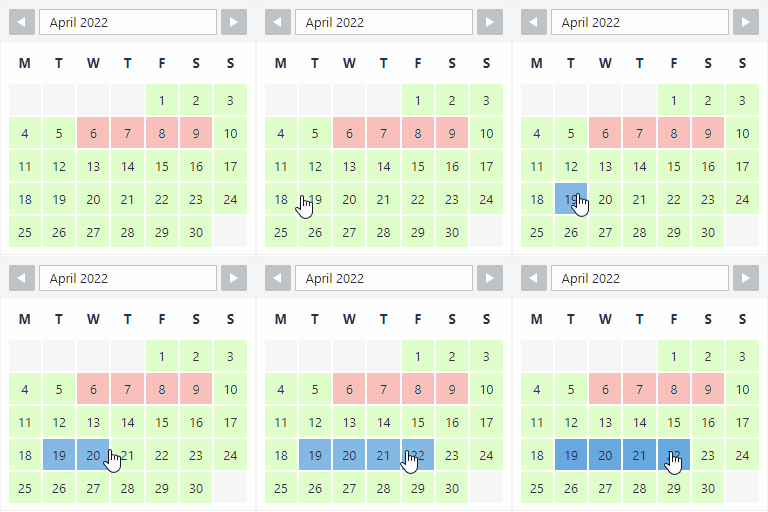
By Roland Murg
The booking calendar plugin for WordPress. Get easy online booking with this lightweight and powerful booking calendar.

By Jeff Starr
Blackhole is a WordPress security plugin that detects and traps bad bots in a virtual black hole, where they are denied access to your entire site.
Custom social media feeds for Instagram, Facebook, TikTok, & YouTube. Works with Elementor, Beaver Builder, and Gutenberg blocks.

By Archetyped
Enhanced content management for WordPress

By Shane Bishop
Automatically resizes huge image uploads. Are contributors uploading huge photos? Tired of manually resizing your images? Imsanity to the rescue!
WooCommerce recently viewed products in a grid, list or carousel via shortcode, widget, block, Elementor, plus most viewed and follow-up emails.
Auto-print WooCommerce orders to thermal, kitchen, Sunmi or office printers: receipts, invoices, packing slips, labels & PDFs. Set up in minutes.

By ThemeGrill
Flash Toolkit is a companion for Flash WordPress theme by ThemeGrill

By Nazim Husain
Duplicate pages in one click, generate hundreds from a template, and keep them up to date with Page Generators and Template Sync.
CHOOSE WHAT YOUR WEBSITE NEEDS
Start with the task you need to solve. Compare features, WordPress and PHP requirements, update history and the author’s documentation. Test changes on a private copy and avoid adding several plugins for the same job.
This independent directory displays plugin information on WebFulHost and links to the official source. Packages are not mirrored or installed here. A plugin can include paid extensions or services with separate terms from its author.


