Create stunning FAQ & accordion blocks. SEO-optimized, fully accessible, zero performance impact. No coding needed.
★ 4.1/5 (34)9,000+ active installations
- Version
- 5.6.0
- WordPress
- 5.7+
- PHP
- 7.4+
- Updated
- 13 Oct 2026
WORDPRESS RESOURCES
Explore public plugin information from the official WordPress.org directory. Compare what a plugin does, its requirements and update history before adding it to your website.
Explore WordPress hosting →1,154 matching plugins reported by WordPress.org · Page 37 of 50
Source: WordPress.org
Data refreshed 24 Nov 2026 11:28 UTC
Create stunning FAQ & accordion blocks. SEO-optimized, fully accessible, zero performance impact. No coding needed.

By Avram
Realistic page peel with clip-path animation, left/right positioning, mobile touch support, and auto-open/close.

Contact Form Builder for WordPress with payment forms, multistep forms, conversational forms, conditional logic, and integrations.
By Tanmoy Biswas
22+ Elementor addons: WooCommerce product table, product grid, dynamic table, price menu, gallery, categories card, tabs widgets and more.

By CyberChimps
50+ blocks to create rich sections in the Gutenberg editor. Use professional starter block patterns & templates to create websites within minutes.
Upgrade your default WordPress gallery into a beautiful, mobile-friendly lightbox popup. Supports images, videos, and 3 unique gallery styles.

By webtechtut09
Fifteen lightweight WordPress tools including WhatsApp Chat, Sticky Header, WebP, SVG Upload, WooCommerce Import/Export, and more.

By CartCoders
Enhance store inclusivity with Easy Web Accessibility Widget for EAA, ADA, WCAG & AODA compliance
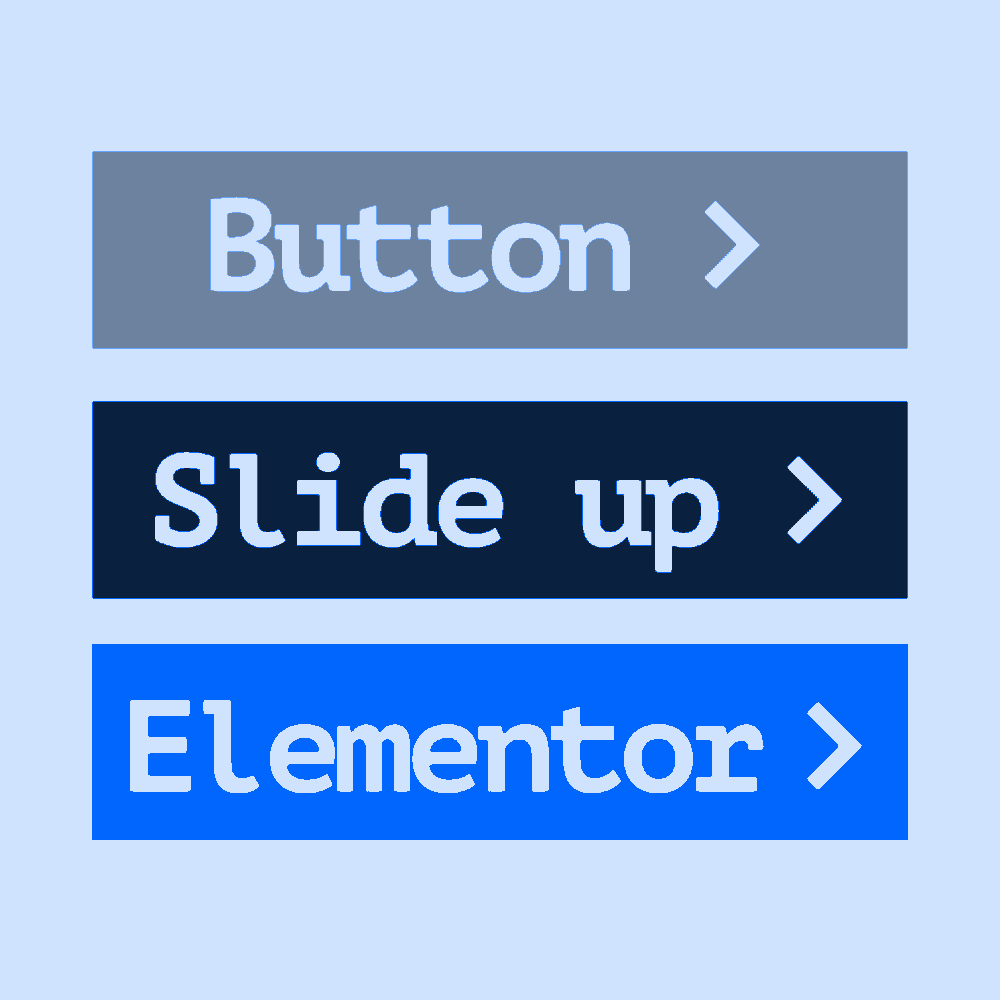
Adds a smooth slide-up text animation on hover to all Elementor buttons, preserving icons and styles.
8 powerful Gutenberg blocks: Animated Headline, Gradient Text, Typewriter, Spoiler, Drop Cap, Highlight Marker & more.

By Devang Vachheta
Best Elementor widgets & WooCommerce builder plugin for WordPress: 80+ free widgets, display conditions, dynamic tags, custom CSS/JS & AI automation.
SaddleWP is the MCP server for WordPress. Claude, ChatGPT or Cursor build pages, fix SEO and run updates on your site. Read-only until you allow more.
CHOOSE WHAT YOUR WEBSITE NEEDS
Start with the task you need to solve. Compare features, WordPress and PHP requirements, update history and the author’s documentation. Test changes on a private copy and avoid adding several plugins for the same job.
This independent directory displays plugin information on WebFulHost and links to the official source. Packages are not mirrored or installed here. A plugin can include paid extensions or services with separate terms from its author.