

Social Chat Buttons
By hassantafreshi
A comprehensive and free social media chat widget for WordPress with multi-network support.
★ 5.0/5 (2)100+ active installations
- Version
- 1.0.5
- WordPress
- 5.0+
- PHP
- 7.4+
- Updated
- 18 Aug 2026
WORDPRESS RESOURCES
Explore public plugin information from the official WordPress.org directory. Compare what a plugin does, its requirements and update history before adding it to your website.
Explore WordPress hosting →685 matching plugins reported by WordPress.org · Page 4 of 50
Source: WordPress.org
Data refreshed 20 Nov 2026 07:24 UTC
By hassantafreshi
A comprehensive and free social media chat widget for WordPress with multi-network support.

By habibnoori
Add a lightweight click-to-chat button for WhatsApp conversations on your WordPress website.
Show reviews from Google and 50+ platforms, let ChatGPT, Claude, Gemini and Perplexity read them, and see if AI recommends you or competitors.

By WP Shuffle
Easily add WhatsApp chat buttons and floating chatboxes to your WordPress site
By WP Methods
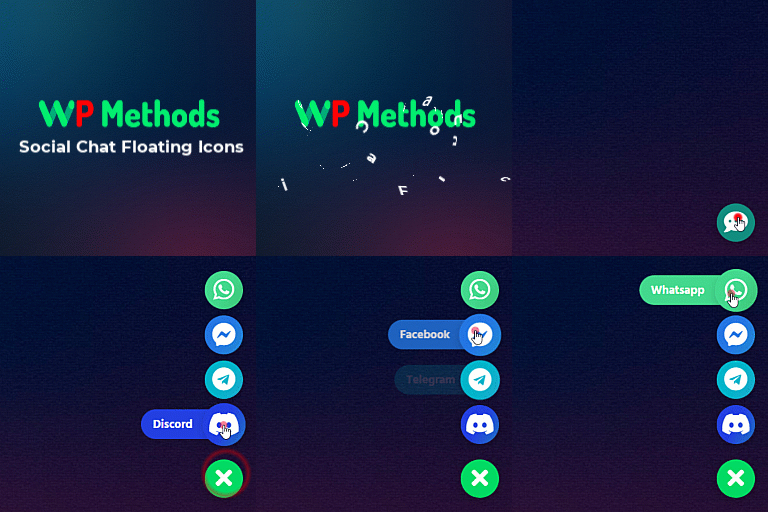
Display live chat floating icons of any social media like WhatsApp, Messenger, Telegram, etc on your WordPress website.
The complete Elementor addons plugin: 55+ widgets for Elementor, Mega Menu Builder, Popup Builder, Widget Builder & Elementor Template Kits.

By RumbleTalk
Embed a fast, secure, and zero-server-load group chat into your WordPress site. Built for online communities, live events, and member networks.

By Hosteva
Lightweight WhatsApp chat button for WordPress & WooCommerce. Unlimited agents, page-specific widgets, and SVG analytics with zero speed impact.

By Unlimited Elements
Elementor all-in-one addons pack with the best widgets for Elementor, offering 100+ free widgets, templates, and tools to create stunning websites!

By WebChatAgent
AI chatbot that learns your website and answers visitor questions 24/7. Connect in a few clicks, capture leads, hand chats to your team.

By armanbasir
An instant floating chat button for WhatsApp, Tokopedia, Shopee, TikTok, and Email — fully configurable from the settings page, no coding required.

By Jerry Rietveld
The click-to-call button for WordPress since 2013. Add a call button in under a minute. No code, mobile and desktop, with click tracking.
CHOOSE WHAT YOUR WEBSITE NEEDS
Start with the task you need to solve. Compare features, WordPress and PHP requirements, update history and the author’s documentation. Test changes on a private copy and avoid adding several plugins for the same job.
This independent directory displays plugin information on WebFulHost and links to the official source. Packages are not mirrored or installed here. A plugin can include paid extensions or services with separate terms from its author.

