

An AI SEO plugin for WordPress that's lightweight and fast. Automatically generates meta tags, sitemaps, schemas and more with no bloat.
★ 4.7/5 (137)70,000+ active installations
- Version
- 4.11.7
- WordPress
- 6.7+
- PHP
- 7.4+
- Updated
- 28 Nov 2026
WORDPRESS RESOURCES
Explore public plugin information from the official WordPress.org directory. Compare what a plugin does, its requirements and update history before adding it to your website.
Explore WordPress hosting →10,000 matching plugins reported by WordPress.org · Page 40 of 50
Source: WordPress.org
Data refreshed 29 Nov 2026 04:20 UTC
An AI SEO plugin for WordPress that's lightweight and fast. Automatically generates meta tags, sitemaps, schemas and more with no bloat.

By joost de keijzer
Include all relevant attachments in your export.

Video gallery plugin for WordPress with a built-in HTML5 player. Embed YouTube, Vimeo, Dailymotion, Rumble, and self-hosted videos.
Track post views and page views, and display popular posts and trending content on your WordPress site.

By colorlibplugins
Seamlessly integrates FancyBox lightbox into your WordPress blog: Upload, activate, and you're done. Additional configuration optional.
A simple and powerful WordPress portfolio plugin to showcase your creative work beautifully with different ways.

By Benjamin Intal
The complete website builder for the WordPress block editor. Build professional sites faster with powerful blocks, block styles, and a global design s …
By FullStackWP
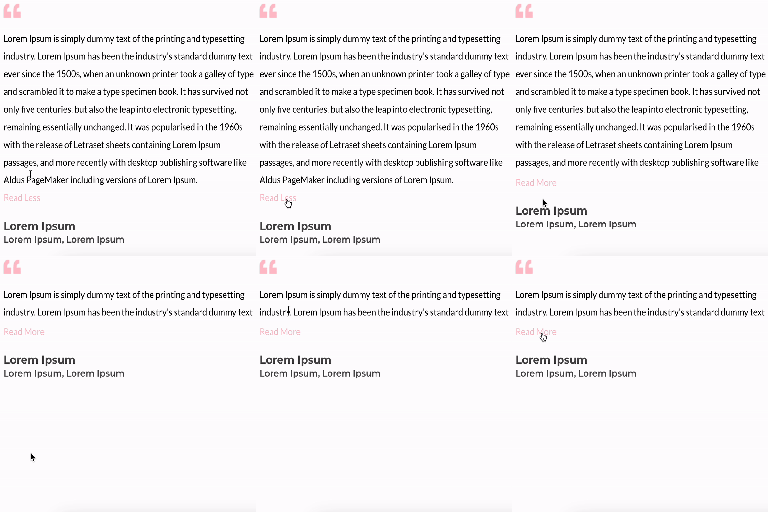
Unfold Text is a straightforward yet powerful add-on for Elementor that allows you to expand and collapse text with ease.
A complete WordPress LMS plugin to create any eLearning website easily.

By Grzegorz Puszka
Speed up WordPress image delivery with local WebP and AVIF optimization. Free, private, unlimited, with no subscription or PRO version.
Build global Elementor templates and apply them as automatic post and page layouts, or embed them anywhere with a shortcode.

By Magazine3
Adds a user friendly and fully automatic way to create and display a table of contents generated from the page content.
CHOOSE WHAT YOUR WEBSITE NEEDS
Start with the task you need to solve. Compare features, WordPress and PHP requirements, update history and the author’s documentation. Test changes on a private copy and avoid adding several plugins for the same job.
This independent directory displays plugin information on WebFulHost and links to the official source. Packages are not mirrored or installed here. A plugin can include paid extensions or services with separate terms from its author.



