

🚀 Boost your Woocommerce sales with Quantity Discounts, Quantity Breaks, Product Bundles, Volume Discounts and Dynamic Pricing.
★ 4.5/5 (51)400+ active installations
- Version
- 3.4.3
- WordPress
- 6.0+
- PHP
- 7.0+
- Updated
- 17 Aug 2026
WORDPRESS RESOURCES
Explore public plugin information from the official WordPress.org directory. Compare what a plugin does, its requirements and update history before adding it to your website.
Explore WordPress hosting →4,194 matching plugins reported by WordPress.org · Page 43 of 50
Source: WordPress.org
Data refreshed 29 Nov 2026 17:47 UTC
🚀 Boost your Woocommerce sales with Quantity Discounts, Quantity Breaks, Product Bundles, Volume Discounts and Dynamic Pricing.

WooCommerce abandoned cart recovery, Newsletters, Email campaigns, Subscription forms, Popups and Email Marketing Automation plugin

By magepeopleteam
Accept partial payments, deposits, and installments on your WooCommerce store.

By MailerLite
Powerful e-commerce email marketing tools that are easy to use. Grow your store with automated emails, pop-ups, product blocks, sales tracking + more.

By Themepoints
Show real sales counts on WooCommerce product pages and shop grids. Includes a sales dashboard, best-seller sorting and a Top Sellers block.
Three table types in one plugin: Excel-like data tables with formulas, WooCommerce product tables and pricing tables. Responsive and searchable.

By YayCommerce
Your products deserve options that stand out. 🎨✨

Newsletter optins, discount coupon popups, sticky bars and lightbox modals that capture leads and recover abandoned WooCommerce carts.
By PI Web Solution
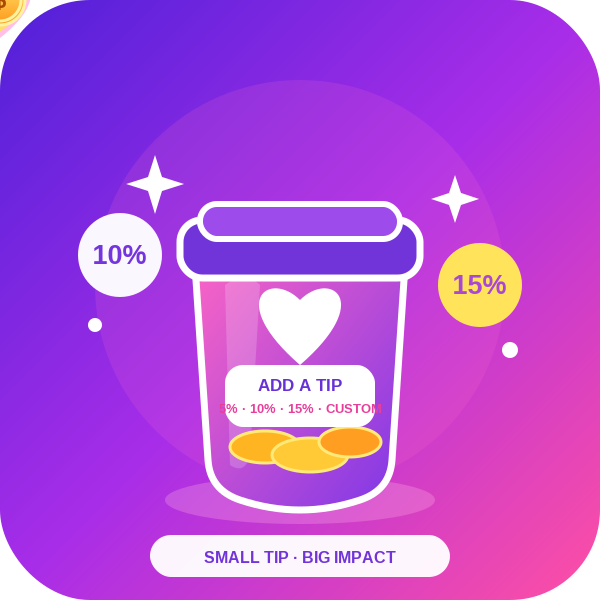
Order Tip for WooCommerce adds an option for customer service tips, tips for waitresses, in WooCommerce.

By Dotstore
It will Prevent fake orders and Blacklist fraud customers of your store.

By WebCartisan
Customize WooCommerce product page with Single Product Page Customizer. Add variation swatches, quick checkout, quantity buttons, Ajax add to cart, cu …
Block fake WooCommerce registrations with OTP email verification. Customers verify their email before their account is created — no code required.
CHOOSE WHAT YOUR WEBSITE NEEDS
Start with the task you need to solve. Compare features, WordPress and PHP requirements, update history and the author’s documentation. Test changes on a private copy and avoid adding several plugins for the same job.
This independent directory displays plugin information on WebFulHost and links to the official source. Packages are not mirrored or installed here. A plugin can include paid extensions or services with separate terms from its author.

