

Unlimited automatic image optimization for WordPress. Compress images, convert to WebP, and improve site speed without losing image quality.
★ 4.4/5 (133)100,000+ active installations
- Version
- 2.1.2
- WordPress
- 6.6+
- PHP
- 7.4+
- Updated
- 16 Nov 2026
WORDPRESS RESOURCES
Explore public plugin information from the official WordPress.org directory. Compare what a plugin does, its requirements and update history before adding it to your website.
Explore WordPress hosting →10,000 matching plugins reported by WordPress.org · Page 45 of 50
Source: WordPress.org
Data refreshed 21 Nov 2026 05:58 UTC
Unlimited automatic image optimization for WordPress. Compress images, convert to WebP, and improve site speed without losing image quality.
AI Block Editor adds a Gutenberg blocks assistant inside the WordPress editor. Describe what you want to add or change, and AI Editor will place, arra …

By revmakx
Backup and Staging by WP Time Capsule is an automated incremental backup plugin that backs up your website changes as per your schedule to Dropbox, Go …

By Gabriel De la Hoz
Instant Messaging Apps notifications including WhatsApp for new WooCommerce orders – Api 100% FREE using CallMeBot

By JS Morisset
Inherit the featured image from the Post, Page, or Custom Post Type parent, grand-parent, great-grand-parent, etc.
Protect your WordPress login form from bots and brute force attacks with Google reCAPTCHA, a slide-to-unlock captcha, or an icon captcha.

By J-C Berthon
Stop spam without CAPTCHAs. Proof-of-Work protection for your forms and logins. Open-source, self-hosted, privacy-first.

By seometricsplugin
Connect your WordPress website to the SEO Metrics Dashboard and efficiently manage all SEO Metrics products and services.
By mendibass
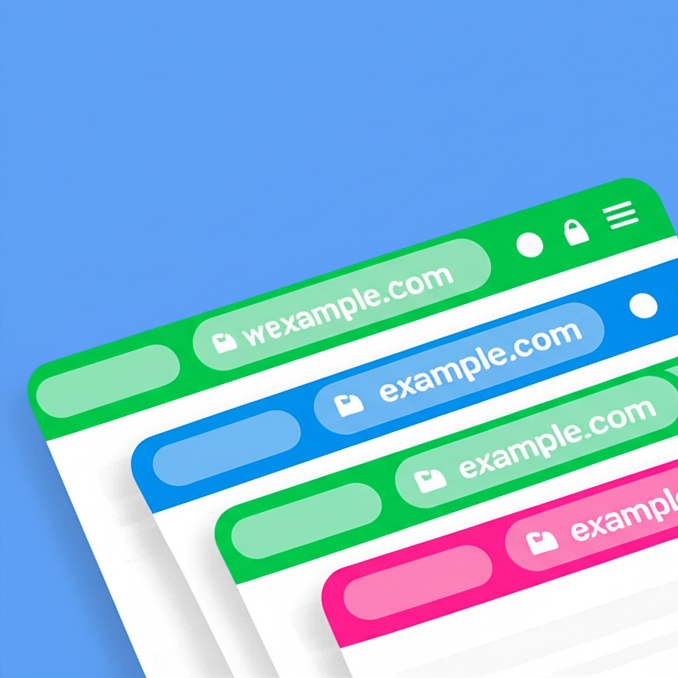
Customize your mobile browsing experience by setting theme colors for the address bar of your pages on your WordPress site
Import and export WooCommerce products via CSV. Bulk upload products, update stock and prices, and import or export product images.

By edobegagic
Add animations to your website in just a few clicks.

By WP Swings
Provide an easy refund service and increase customer satisfaction with WooCommerce Return Refund, and Exchange Warranty Management Plugin.
CHOOSE WHAT YOUR WEBSITE NEEDS
Start with the task you need to solve. Compare features, WordPress and PHP requirements, update history and the author’s documentation. Test changes on a private copy and avoid adding several plugins for the same job.
This independent directory displays plugin information on WebFulHost and links to the official source. Packages are not mirrored or installed here. A plugin can include paid extensions or services with separate terms from its author.


