

Highlighting Code Block
By LOOS
Add code block with syntax highlighting using prism.js. (Available for Gutenberg and Classic Editor)
★ 4.5/5 (20)10,000+ active installations
- Version
- 2.2.1
- WordPress
- 5.6+
- PHP
- 5.6+
- Updated
- 1 Jul 2026
WORDPRESS RESOURCES
Explore public plugin information from the official WordPress.org directory. Compare what a plugin does, its requirements and update history before adding it to your website.
Explore WordPress hosting →10,000 matching plugins reported by WordPress.org · Page 45 of 50
Source: WordPress.org
Data refreshed 24 Nov 2026 19:37 UTC
By LOOS
Add code block with syntax highlighting using prism.js. (Available for Gutenberg and Classic Editor)
By Tamas Rottenbacher
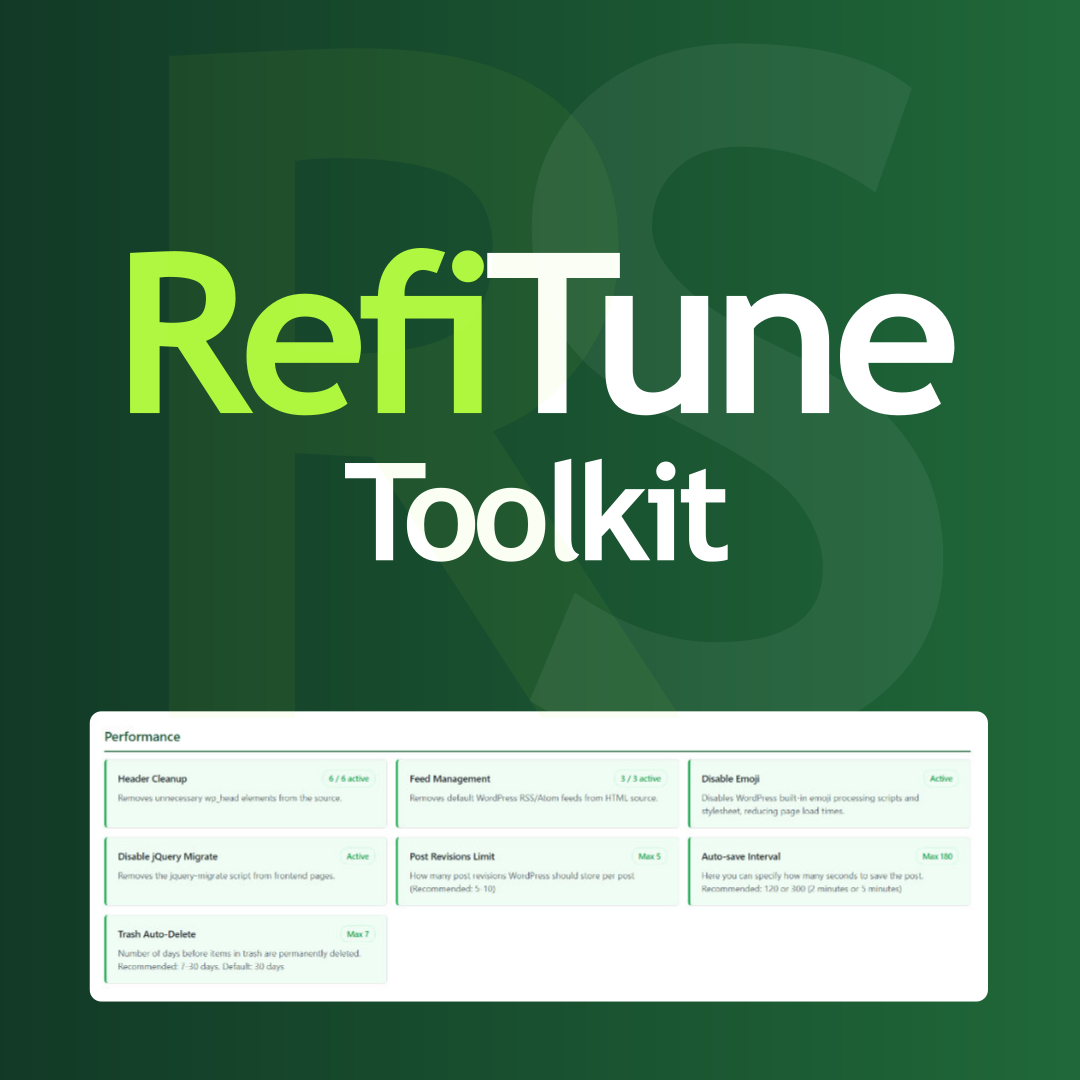
Take control of WordPress with smart performance tweaks, security enhancements, and usability improvements. RefiTune is an all-in-one toolkit.

By AnalogWP
Power-up your Elementor workflow with global theme style presets, container-based patterns, and more global design controls.

By WPAssist
Improve WordPress performance, strengthen security, simplify administration, and reduce website bloat with a single lightweight plugin.

By Rafal Gierlicki
Hardens and protects your site by locking down login, REST API, XML‑RPC, file editor, and applying HTTP security headers.
Social media scheduler & auto post for WordPress. Schedule posts on a visual calendar, auto share to Facebook, X, LinkedIn, Bluesky, Threads & more.
The friendly way to build real Mapbox, MapLibre, or Google maps in WordPress — store locators, GeoJSON data, custom popups, and more.
Create high-quality SEO posts, articles, AI images, WooCommerce products. Autofill website. Rewrite and translate with AI. Gemini, chatGPT, Claude

By Bosa Themes
Shop-first Elementor addon with WooCommerce widgets, 3,000+ templates, site modules & AI Builder — for your store or any website.

Password Protect entire site & create Temporary Login Without Password links. Simple & secure access for developers or maintenance.

Hide the WordPress admin bar by user role, block wp-admin access, redirect after login, and tidy the admin menu and notices for each role.

By Harish Chouhan
Easily add a custom favicon and Apple touch icon to your WordPress site, including support for dark mode, SVG icons, and admin dashboard branding.
CHOOSE WHAT YOUR WEBSITE NEEDS
Start with the task you need to solve. Compare features, WordPress and PHP requirements, update history and the author’s documentation. Test changes on a private copy and avoid adding several plugins for the same job.
This independent directory displays plugin information on WebFulHost and links to the official source. Packages are not mirrored or installed here. A plugin can include paid extensions or services with separate terms from its author.


