

Password Protect entire site & create Temporary Login Without Password links. Simple & secure access for developers or maintenance.
★ 3.7/5 (3)200+ active installations
- Version
- 1.2.7
- WordPress
- 6.6+
- PHP
- 7.4+
- Updated
- 26 Sep 2026
WORDPRESS RESOURCES
Explore public plugin information from the official WordPress.org directory. Compare what a plugin does, its requirements and update history before adding it to your website.
Explore WordPress hosting →3,537 matching plugins reported by WordPress.org · Page 48 of 50
Source: WordPress.org
Data refreshed 21 Nov 2026 11:43 UTC
Password Protect entire site & create Temporary Login Without Password links. Simple & secure access for developers or maintenance.
Block fake WooCommerce registrations with OTP email verification. Customers verify their email before their account is created — no code required.

By Olivier Bigras
Scan and remove unused media files from your WordPress site to free up disk space.

By djm56
Automatically expire posts and pages on a schedule — trash, delete, draft, make private, recategorise or redirect. With notifications and analytics.
Improve WordPress speed and Core Web Vitals with page cache, WebP, minification, database cleanup and built-in performance diagnostics.
Build responsive off-canvas menus, drawer menus, and exit intent popups with a lightweight Gutenberg block. Includes advanced triggers & analytics.
By Tamas Rottenbacher
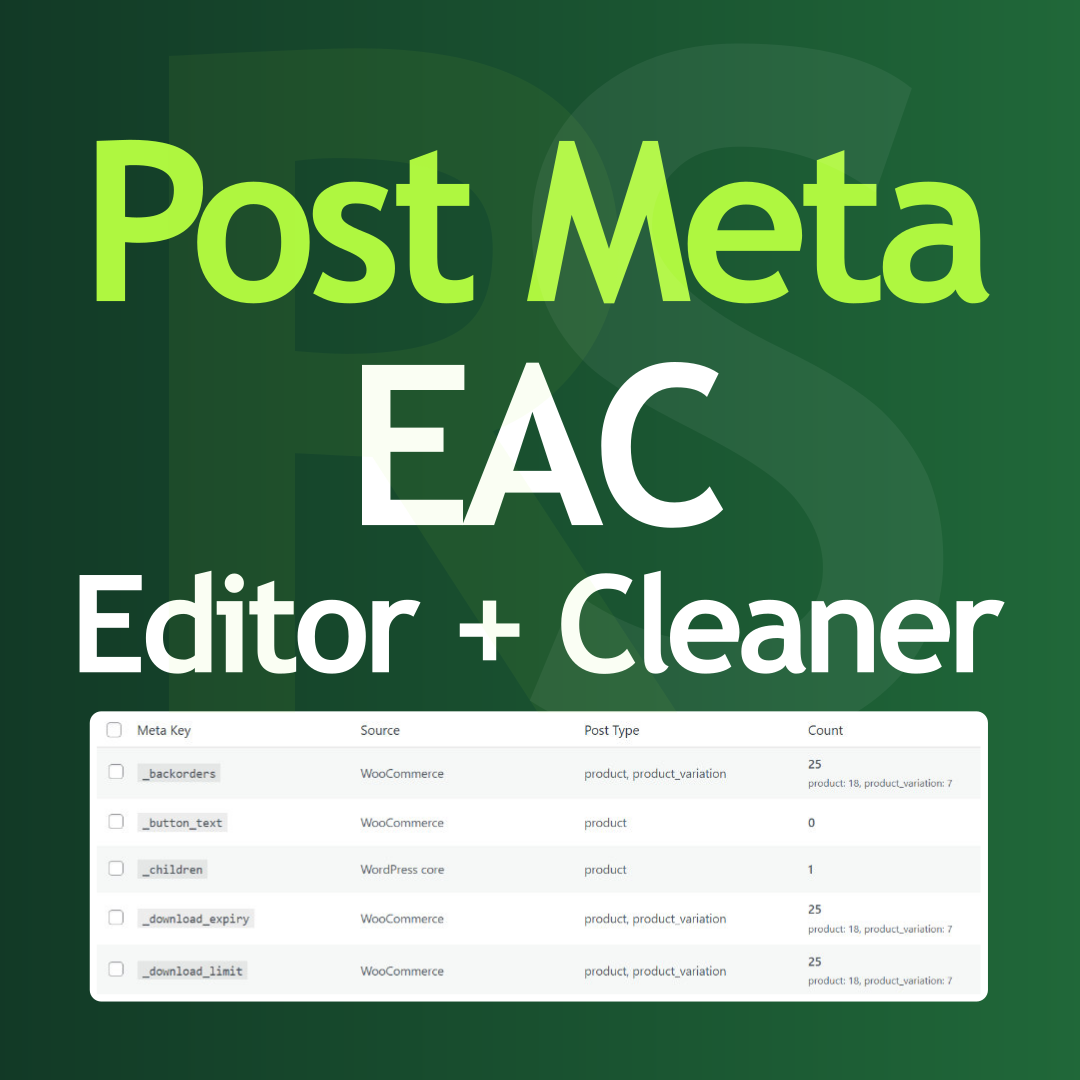
Post Meta bulk editor to delete unused data, overwrite values, run search and replace, and clean your database directly from the admin panel.

By otokichi3
Internal site monitoring for WordPress. Checks page uptime, DB performance, and slow queries.

By seoagentio
AI alt text for your images (30/month on the free plan), a full SEO Doctor site scan, and AI-written SEO articles — all from one plugin.

By Yaxii Dev
Create and edit WooCommerce simple and variable products faster with a focused workspace for pricing, stock, images, attributes, and variations.

By onlinefotka
Withdrawal & complaint forms for WooCommerce + EU Legal Guarantee notice (Regulation 2025/1960, mandatory from Sep 2026). Fully EU-compliant.

By Dan Knauss
Hide admin menu items per user role, rename them, reorder them, swap their icons — an inline admin menu editor you drive right on the menu itself.
CHOOSE WHAT YOUR WEBSITE NEEDS
Start with the task you need to solve. Compare features, WordPress and PHP requirements, update history and the author’s documentation. Test changes on a private copy and avoid adding several plugins for the same job.
This independent directory displays plugin information on WebFulHost and links to the official source. Packages are not mirrored or installed here. A plugin can include paid extensions or services with separate terms from its author.


