

Min Max Control plugin offers to set product's minimum, maximum quantity and step of each product individually.
★ 4.7/5 (79)10,000+ active installations
- Version
- 8.1.1
- WordPress
- 4.0.0+
- PHP
- 5.6+
- Updated
- 6 Oct 2026
WORDPRESS RESOURCES
Explore public plugin information from the official WordPress.org directory. Compare what a plugin does, its requirements and update history before adding it to your website.
Explore WordPress hosting →10,000 matching plugins reported by WordPress.org · Page 48 of 50
Source: WordPress.org
Data refreshed 29 Nov 2026 17:36 UTC
Min Max Control plugin offers to set product's minimum, maximum quantity and step of each product individually.

By pimwick
Specify products that cause Free Shipping to not be available when they are in the cart.

By THRIVE - Web Design Gold Coast
A WooCommerce product gallery built with PhotoSwipe and Slick carousel — responsive, touch-friendly, and easy to customise.

By CodeAstrology IT Firm
Easily add plus, minus button for WooCommerce Quantity Input box in everywhere. Such: Single Page, In Loop Quantity input, Cart page , everywhere.
Create multi-step builder pages for easy product selection and ordering. Includes option to email configurations to friends

By TikTok
Create TikTok ads to showcase your products, and measure results at scale! Install the TikTok Pixel and Events API to maximize performance.

By Infinite Uploads
The all-in-one media library for WordPress. Optimize images, reclaim storage, and manage a growing library with ease.
By YITHEMES
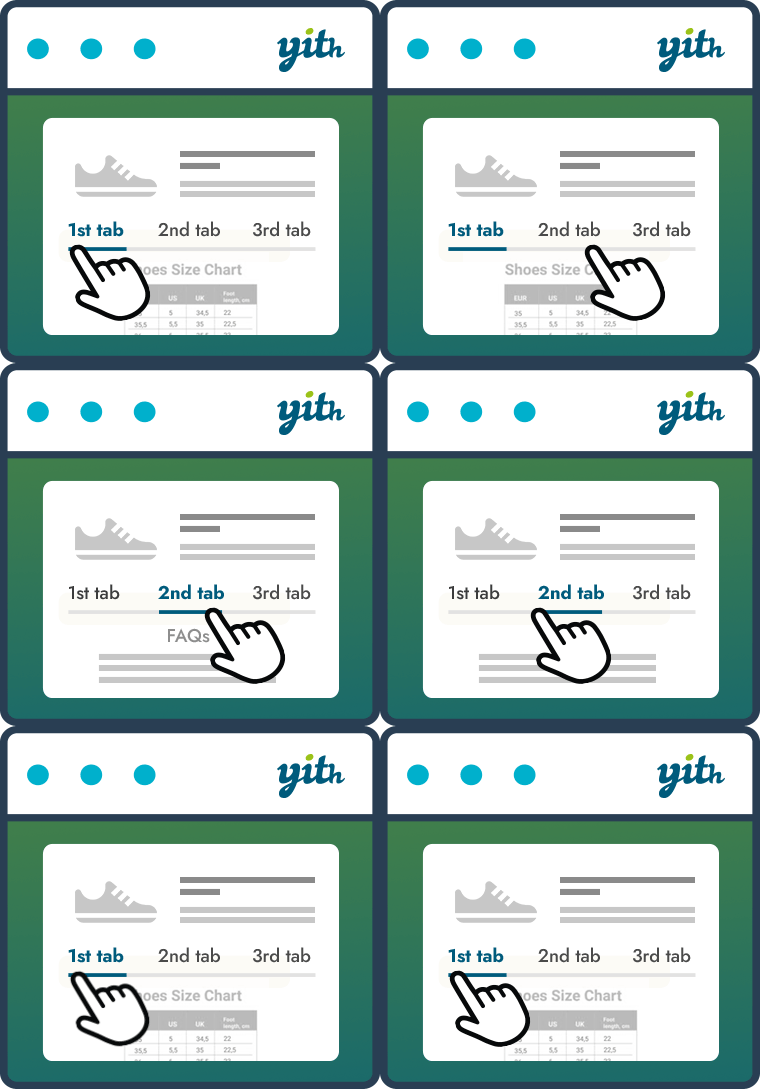
Improve your WooCommerce product pages by adding custom tabs and ad hoc content for your customers
Design and send custom emails with Email Templates plugin for WordPress and WooCommerce

By howdytheme
Add a beautiful sliding side cart drawer to your WooCommerce store. Floating cart button, fly-to-cart animation, upsell product slider, and full styli …

By VillaTheme
Let customers attach photos to reviews, enhanced with filterable grids and overall ratings. Auto-send review reminders and coupon emails

By Brumisphère
Automate Google Customer Reviews opt-in after WooCommerce checkout, choose the new store widget or legacy badge mode, and send optional GTM events.
CHOOSE WHAT YOUR WEBSITE NEEDS
Start with the task you need to solve. Compare features, WordPress and PHP requirements, update history and the author’s documentation. Test changes on a private copy and avoid adding several plugins for the same job.
This independent directory displays plugin information on WebFulHost and links to the official source. Packages are not mirrored or installed here. A plugin can include paid extensions or services with separate terms from its author.

