

All-in-One WooCommerce Product Image and Video Gallery Solution to Enhance Your Customers' Shopping Experience and Boost Sales Instantly!
★ 4.9/5 (162)20,000+ active installations
- Version
- 4.0.0
- WordPress
- 6.6+
- PHP
- 7.0+
- Updated
- 10 Nov 2026
WORDPRESS RESOURCES
Explore public plugin information from the official WordPress.org directory. Compare what a plugin does, its requirements and update history before adding it to your website.
Explore WordPress hosting →443 matching plugins reported by WordPress.org · Page 6 of 37
Source: WordPress.org
Data refreshed 20 Nov 2026 04:37 UTC
All-in-One WooCommerce Product Image and Video Gallery Solution to Enhance Your Customers' Shopping Experience and Boost Sales Instantly!

By Vimal Kava
Automatically calculate WooCommerce product prices from Gold, Silver, or Platinum rates and product weight.

By GhozyLab
Image Slider - The best and very easy slider plugin for your post, page or sidebar. 100% Responsive.
All-in-one Elementor addons plugin with 150+ widgets, templates, builder, performance optimization, security features & smart WordPress utilities.

By Automattic
Award your students with a certificate of completion and a sense of accomplishment after finishing a course.
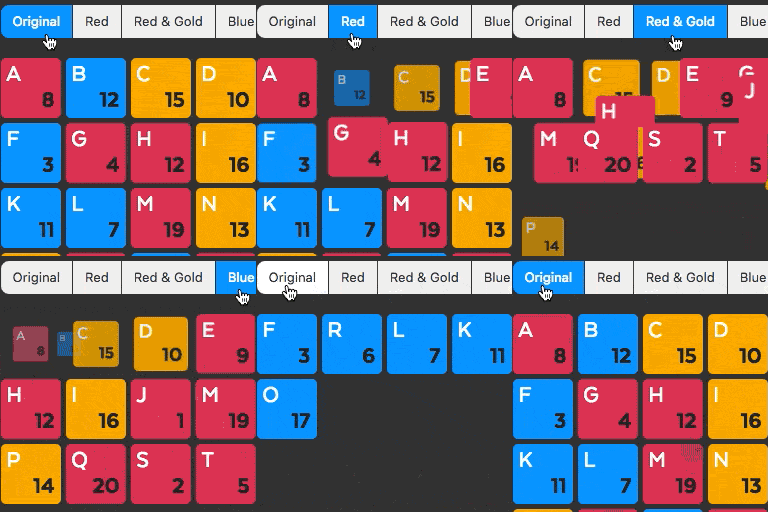
By Sharabindu Bakshi
Display your portfolio, posts, and product items in a grid with filterable

By GhozyLab
Display Instagram photos and videos easily on your website just in minutes. Ready in WordPress Blocks or Classic Editor.

By philsafc
A Wordpress plugin that adds a new element to Breakdance builder for fancy button effects

By CodePopular
Short Description: Add essential Elementor addons to boost your website functionality with product grids, lists, and WooCommerce features.

By Elicus
WPMozo Blocks and Addons is a plugin that enhances the Block editor with a collection of powerful and customizable blocks.

By GhozyLab
Image Gallery – Photo Albums Plugin is the easiest tool to create image gallery, photo albums, portfolio and also photo slider.

By e4jvikwp
A variety of Widgets to enhance your website. Add sliders, grids and icons to your pages.
CHOOSE WHAT YOUR WEBSITE NEEDS
Start with the task you need to solve. Compare features, WordPress and PHP requirements, update history and the author’s documentation. Test changes on a private copy and avoid adding several plugins for the same job.
This independent directory displays plugin information on WebFulHost and links to the official source. Packages are not mirrored or installed here. A plugin can include paid extensions or services with separate terms from its author.
