
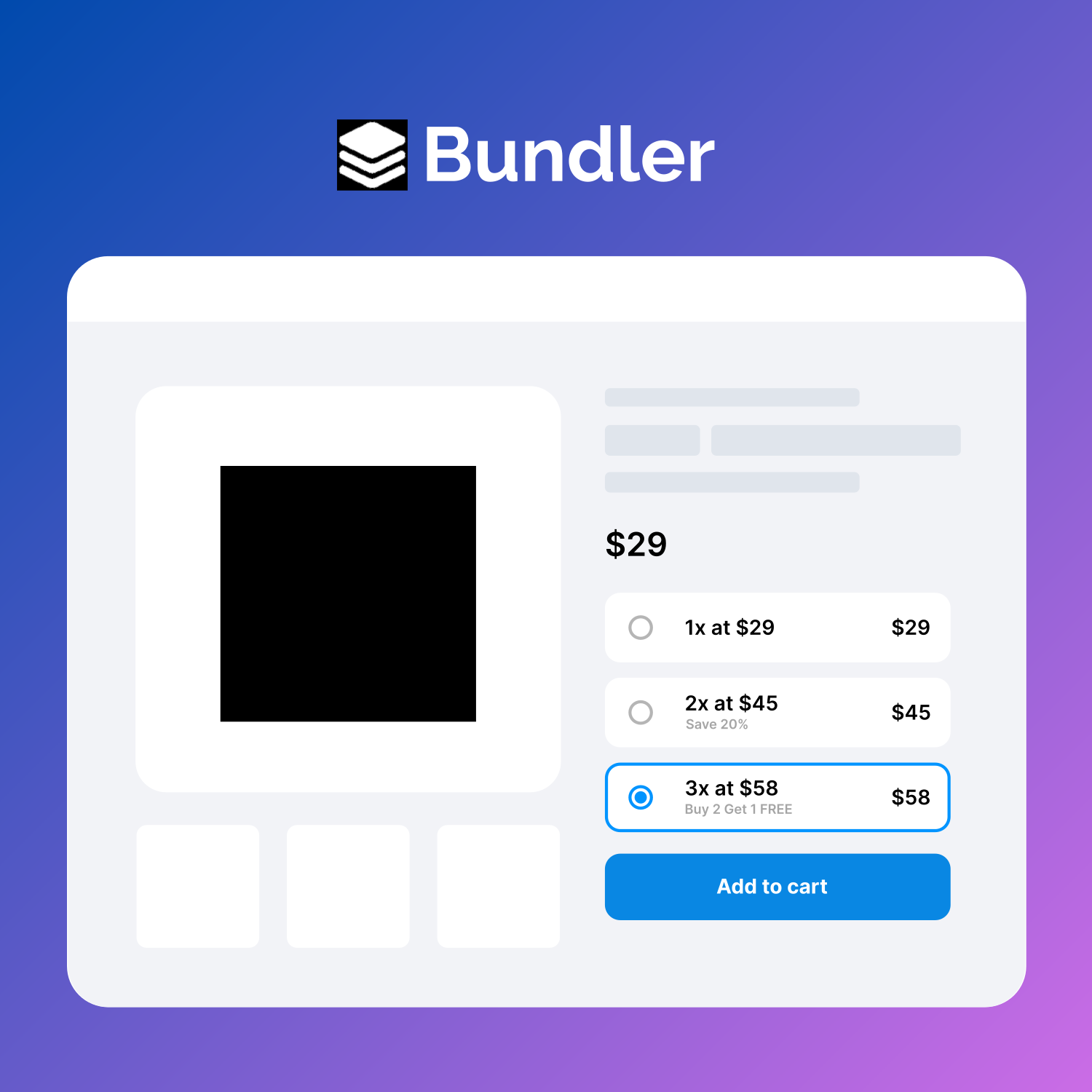
🚀 Boost your Woocommerce sales with Quantity Discounts, Quantity Breaks, Product Bundles, Volume Discounts and Dynamic Pricing.
★ 4.5/5 (51)400+ active installations
- Version
- 3.4.3
- WordPress
- 6.0+
- PHP
- 7.0+
- Updated
- 17 Aug 2026
WORDPRESS RESOURCES
Explore public plugin information from the official WordPress.org directory. Compare what a plugin does, its requirements and update history before adding it to your website.
Explore WordPress hosting →1,899 matching plugins reported by WordPress.org · Page 6 of 50
Source: WordPress.org
Data refreshed 20 Nov 2026 02:32 UTC
🚀 Boost your Woocommerce sales with Quantity Discounts, Quantity Breaks, Product Bundles, Volume Discounts and Dynamic Pricing.
Define a min/max, step, decimal & default quantity for products, show a dropdown and much more on WooCommerce stores.

By YITHEMES
This plugin adds the possibility to have a quick preview of the products right from product list

By NiteoThemes
Beautiful Coming soon, Maintenance or Landing page on your website, packed with premium features for free.

By WP All Import
Drag & drop to export products to CSV, Excel, or XML files of any format. Supports variations, images, attributes, brands, and more with powerful …
YITH WooCommerce Product Gallery & Image Zoom add zoom effect to product images and a customizable image slider.

By ThemeHigh
Variation Swatches for WooCommerce plugin adds button, Image, radio, and color swatches to your product attribute & enhance the product selection.
Showcase variations and impress your customers with beautiful swatches such as color, button, image, and more.
90+ Elementor widgets & addons, 600+ templates, Mega Menu, WooCommerce, Display Conditions. The only Elementor addon AI agents can fully build with.

By Automattic
Create a careers page for your company website, or build a public job board for your community.

By YITHEMES
A tool to show your products’ brands, generate reliability and guarantee the quality of your products.
Set minimum and maximum order limits by amount, quantity, weight, volume, or dimensions in WooCommerce.
CHOOSE WHAT YOUR WEBSITE NEEDS
Start with the task you need to solve. Compare features, WordPress and PHP requirements, update history and the author’s documentation. Test changes on a private copy and avoid adding several plugins for the same job.
This independent directory displays plugin information on WebFulHost and links to the official source. Packages are not mirrored or installed here. A plugin can include paid extensions or services with separate terms from its author.



