

Collapse Magic
By Hub5050
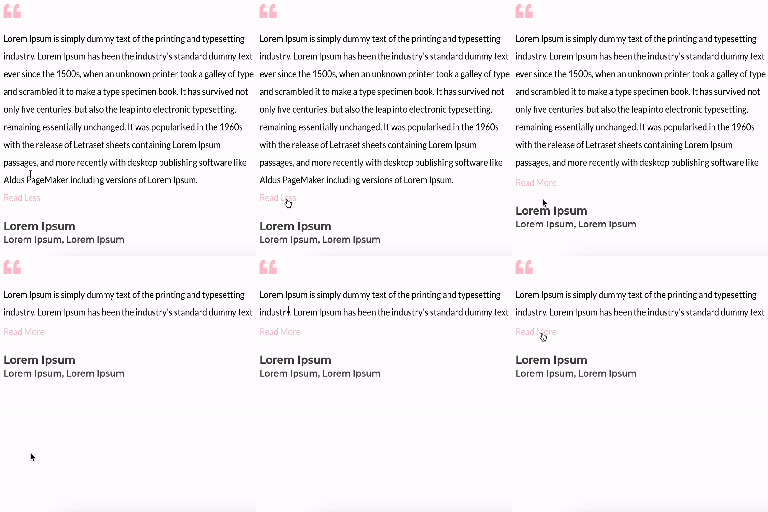
The easy way to create a collapsible text block with a 'read-more' label on any page. Also provides a fading text option.
★ 3.7/5 (6)1,000+ active installations
- Version
- 1.6.1
- WordPress
- 6.1+
- PHP
- 7.3+
- Updated
- 3 Nov 2026
WORDPRESS RESOURCES
Explore public plugin information from the official WordPress.org directory. Compare what a plugin does, its requirements and update history before adding it to your website.
Explore WordPress hosting →945 matching plugins reported by WordPress.org · Page 1 of 50
Source: WordPress.org
Data refreshed 18 Nov 2026 06:03 UTC
By Hub5050
The easy way to create a collapsible text block with a 'read-more' label on any page. Also provides a fading text option.
Accordion And Collapse is the most easiest drag & drop accordion builder for WordPress. You can add multiple accordion and collapse with this.

By George Gkouvousis
Expand hidden content without a page refresh. 100% SEO-friendly and crawlable, now with accordion/FAQ schema, content locker, teaser paywall, AI summa …

By BeRocket
Fast and flexible AJAX product filters for WooCommerce. Filter by categories, attributes, price, tags, rating, and more. No page reloads.

By Robert Noakes
Adds functionality to collapse and expand nav menus within the WordPress admin.

By Andy Feliciotti
Simple accordion for adding collapse elements to pages without affecting page load time. Includes Gutenberg block and shortcode for classic editor.
By FullStackWP
Unfold Text is a straightforward yet powerful add-on for Elementor that allows you to expand and collapse text with ease.
Responsive, lightweight, and fully customizable accordion plugin for WordPress. Perfect for FAQs, content organization, and improving user experience.

By HeroThemes
Heroic Table of Contents is the easiest way to add a table of contents to your site.
Build fast, accessible accordions and FAQ sections in the WordPress block editor.

By Softaculous
The most advanced frontend drag & drop page builder. Pagelayer is a light weight but extremely powerful Website Builder.

By veks
A version of your site for the visually impaired: a settings panel, Gutenberg blocks, a shortcode and a widget.
CHOOSE WHAT YOUR WEBSITE NEEDS
Start with the task you need to solve. Compare features, WordPress and PHP requirements, update history and the author’s documentation. Test changes on a private copy and avoid adding several plugins for the same job.
This independent directory displays plugin information on WebFulHost and links to the official source. Packages are not mirrored or installed here. A plugin can include paid extensions or services with separate terms from its author.


