

Extra Fees for WooCommerce
By Dotstore
Charge extra fees in cart, based on the combination of multiple conditional rules that you configure.
★ 4.3/5 (42)7,000+ active installations
- Version
- 4.4.1
- WordPress
- 5.0+
- PHP
- 7.2+
- Updated
- 11 Nov 2026
WORDPRESS RESOURCES
Explore public plugin information from the official WordPress.org directory. Compare what a plugin does, its requirements and update history before adding it to your website.
Explore WordPress hosting →281 matching plugins reported by WordPress.org · Page 1 of 24
Source: WordPress.org
Data refreshed 18 Nov 2026 19:59 UTC
By Dotstore
Charge extra fees in cart, based on the combination of multiple conditional rules that you configure.

By PI Web Solution
Add conditional cart fee / Payment processing fee / Extra cost / Extra fees plugin for WooCommerce / Additional fees / Service charge at checkout for …

By Saad Iqbal
Simply Adds Custom/Additional Fee In Woocommerce Cart

By WP Trio
Restrict WooCommerce payment methods based on conditions. Works with your existing payment methods.
WordPress contact form builder to create forms like contact form, booking form, feedback form, survey form, application form & 44+ form templates.

By Dotstore
Allows store owners to restrict payment methods based on the various conditions!

By Karolina Vyskocilova
Payment gateway fees & discounts for WooCommerce: COD surcharges, card fees, fixed or percentage — on every gateway, block checkout included.

By Riaan K.
Add fixed or percentage fees to individual WooCommerce products and variations. Tax-aware, quantity-aware, and removable with a coupon.
Show a waitlist form on out-of-stock products and automatically email subscribers when items are restocked. Turn lost sales into customers.
Enable or disable WooCommerce payment gateways based on cart conditions like the order total.
By PI Web Solution
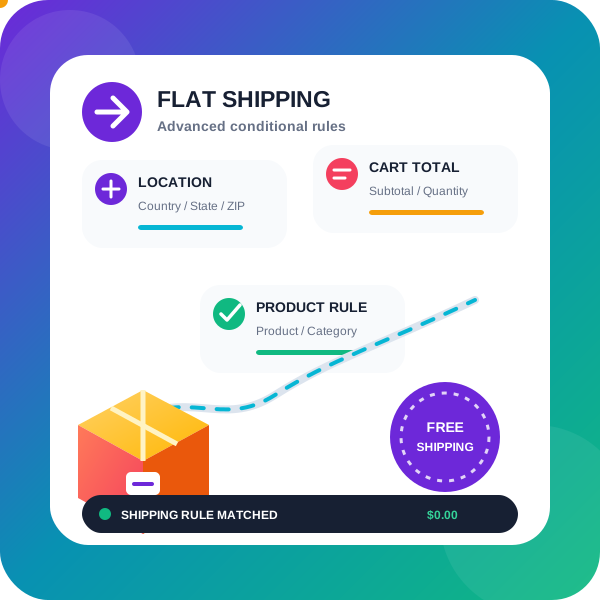
WooCommerce conditional shipping & WooCommerce Advanced shipping rates plugin to create Advanced Flat rate shipping or Free shipping method or tab …

By AsanaPlugins
WooCommerce discount plugin & dynamic pricing: bulk discount, BOGO, quantity discount, category discount & auto-apply coupons — no coding needed.
CHOOSE WHAT YOUR WEBSITE NEEDS
Start with the task you need to solve. Compare features, WordPress and PHP requirements, update history and the author’s documentation. Test changes on a private copy and avoid adding several plugins for the same job.
This independent directory displays plugin information on WebFulHost and links to the official source. Packages are not mirrored or installed here. A plugin can include paid extensions or services with separate terms from its author.


