

The friendly way to build real Mapbox, MapLibre, or Google maps in WordPress — store locators, GeoJSON data, custom popups, and more.
★ 4.9/5 (54)3,000+ active installations
- Version
- 2.0.7
- WordPress
- 5.0.0+
- Updated
- 16 Nov 2026
WORDPRESS RESOURCES
Explore public plugin information from the official WordPress.org directory. Compare what a plugin does, its requirements and update history before adding it to your website.
Explore WordPress hosting →5,788 matching plugins reported by WordPress.org · Page 14 of 50
Source: WordPress.org
Data refreshed 29 Nov 2026 18:45 UTC
The friendly way to build real Mapbox, MapLibre, or Google maps in WordPress — store locators, GeoJSON data, custom popups, and more.

By Simple Share
A simple plugin that enables you to add share buttons to all of your posts and/or pages.

By VillaTheme
Make your WooCommerce emails become professional.
Elementor table plugin to build responsive tables in Elementor with drag & drop: merge cells, colspan, rowspan, striped rows and full styling.
Easily add a range of custom fields to WooCommerce products, from text boxes to date selectors, allowing customers to personalize their orders.
GutenKit – Ultimate no-code Gutenberg blocks to design stunning web pages and visually stunning posts in WordPress block editor.

By richplugins
Google Reviews plugin for WordPress. Set up in a minute. No API keys or sign-in. Free, GDPR, review updates, multiple places, widgets and shortcodes.
The complete Elementor addons plugin: 55+ widgets for Elementor, Mega Menu Builder, Popup Builder, Widget Builder & Elementor Template Kits.
By FullStackWP
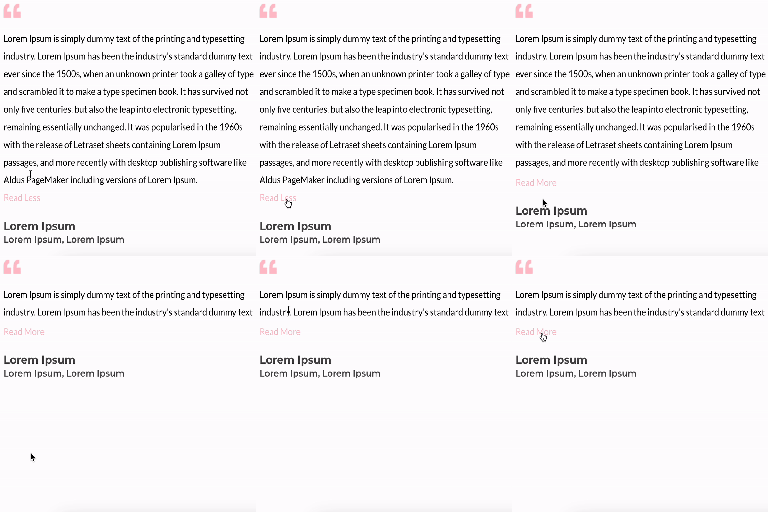
Unfold Text is a straightforward yet powerful add-on for Elementor that allows you to expand and collapse text with ease.

By Horea Radu
The Mesmerize Companion plugin adds drag and drop page builder functionality to the Mesmerize theme.
Responsive, lightweight, and fully customizable accordion plugin for WordPress. Perfect for FAQs, content organization, and improving user experience.

By oceanwp
The ultimate companion for OceanWP. Adds local Google Fonts, mega menus, site templates, and per-page settings for total design authority.
CHOOSE WHAT YOUR WEBSITE NEEDS
Start with the task you need to solve. Compare features, WordPress and PHP requirements, update history and the author’s documentation. Test changes on a private copy and avoid adding several plugins for the same job.
This independent directory displays plugin information on WebFulHost and links to the official source. Packages are not mirrored or installed here. A plugin can include paid extensions or services with separate terms from its author.




