When using a Page Builder, things like page title, boxed layout usually limit your creativity. This plugin helps you go fullwidth on any* theme.
★ 4.7/5 (42)20,000+ active installations
- Version
- 1.2.0
- WordPress
- 4.2+
- Updated
- 24 Aug 2026
View plugin details ↗Speed up your WordPress site by unloading unnecessary CSS and JavaScript, reducing page bloat, and managing your own Critical CSS per page type.
★ 4.9/5 (1,564)100,000+ active installations
- Version
- 1.4.0.8
- WordPress
- 4.7+
- PHP
- 5.6+
- Updated
- 18 Nov 2026
View plugin details ↗Automatic Remove Cart Item is a plugin that automatically removes cart items after a specified time limit.
★ 5.0/5 (1)100+ active installations
- Version
- 1.3
- WordPress
- 6.3+
- PHP
- 7.4+
- Updated
- 5 Jun 2025
View plugin details ↗Hide the WordPress admin bar by user role, block wp-admin access, redirect after login, and tidy the admin menu and notices for each role.
★ 3.9/5 (21)20,000+ active installations
- Version
- 7.5.0
- WordPress
- 5.5+
- PHP
- 5.6+
- Updated
- 12 Oct 2026
View plugin details ↗Disable Author Archives completely removes author archives and makes the web server return status code 404 ('Not Found') instead.
★ 4.4/5 (7)10,000+ active installations
- Version
- 1.3.5
- WordPress
- 2.9+
- Updated
- 21 Aug 2026
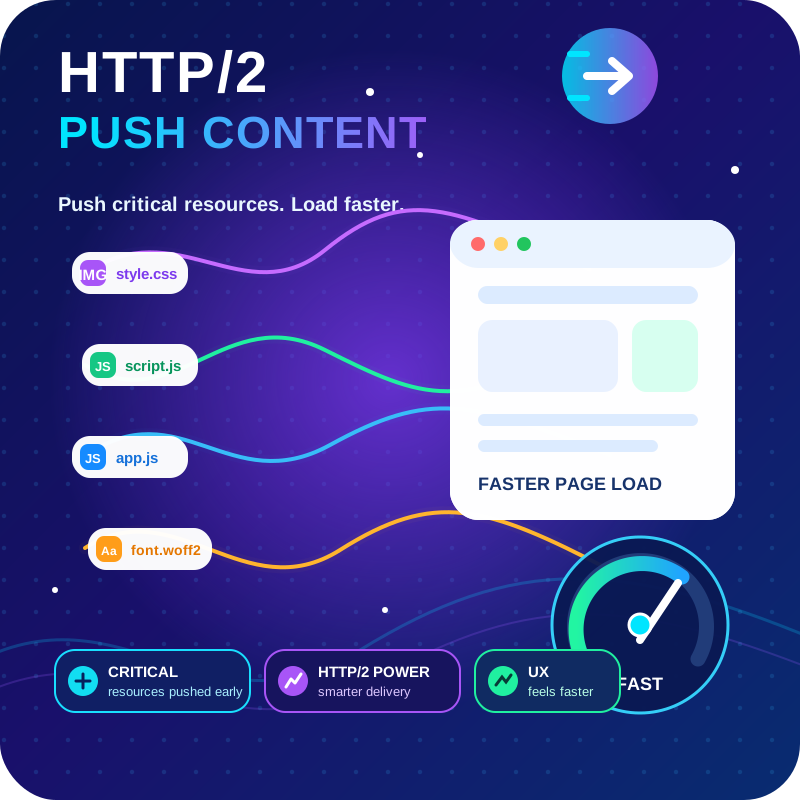
View plugin details ↗HTTP2 Server push, Async JavaScript, Defer Render Blocking CSS, with fine rule set to control js and css on different page types,
★ 4.7/5 (64)6,000+ active installations
- Version
- 1.10.61
- WordPress
- 4.0+
- PHP
- 7.4+
- Updated
- 27 Oct 2026
View plugin details ↗Add new custom, rearrange, remove or rename WooCommerce sorting options.
★ 4.3/5 (11)2,000+ active installations
- Version
- 3.2.13
- WordPress
- 4.4+
- Updated
- 14 Sep 2026
View plugin details ↗Create photo and video galleries with albums, sliders and a lightbox. Includes free Media Library folders to organize your files.
★ 4.8/5 (118)40,000+ active installations
- Version
- 3.5.0
- WordPress
- 6.8+
- PHP
- 7.4+
- Updated
- 16 Nov 2026
View plugin details ↗Adds lots of advanced options to control how you display the price for your WooCommerce variable products.
★ 5.0/5 (44)9,000+ active installations
- Version
- 1.4.2
- WordPress
- 5.8+
- PHP
- 7.2+
- Updated
- 18 May 2026
View plugin details ↗Advanced Comment Form lets you customize plenty of things on the default comment forms in WordPress.
★ 5.0/5 (19)4,000+ active installations
- Version
- 1.2.4
- WordPress
- 6.0+
- PHP
- 7.2+
- Updated
- 12 Nov 2026
View plugin details ↗Theme Editor allows you to edit theme files, create folder, upload files and remove any file and folder in themes and plugins.
★ 4.6/5 (128)50,000+ active installations
- Version
- 3.2
- WordPress
- 3.4+
- PHP
- 5.2.4+
- Updated
- 19 Mar 2026
View plugin details ↗The Remove Product Content for WooCommerce plugin allows store owners to easily customize product pages by removing unwanted sections or elements.
70+ active installations
- Version
- 1.0.8
- WordPress
- 4.4+
- Updated
- 11 Sep 2026
View plugin details ↗