

A simple and flexible WooCommerce booking & reservation plugin to manage dates, availability and pricing on your products.
★ 4.7/5 (63)4,000+ active installations
- Version
- 3.6.0
- WordPress
- 6.0+
- PHP
- 7.4+
- Updated
- 23 Nov 2026
WORDPRESS RESOURCES
Explore public plugin information from the official WordPress.org directory. Compare what a plugin does, its requirements and update history before adding it to your website.
Explore WordPress hosting →2,721 matching plugins reported by WordPress.org · Page 18 of 50
Source: WordPress.org
Data refreshed 29 Nov 2026 07:31 UTC
A simple and flexible WooCommerce booking & reservation plugin to manage dates, availability and pricing on your products.

By WPClever
WPC Smart Quick View allows users to get a quick look at products without opening the product page.

By flycart
The discount plugin for WooCommerce helps you create bulk discount, quantity discount, storewide sale, dynamic pricing discount offers easily.

Transform your WooCommerce site into a multivendor marketplace with Dokan – an AI powered & advanced WooCommerce marketplace solution
By PI Web Solution
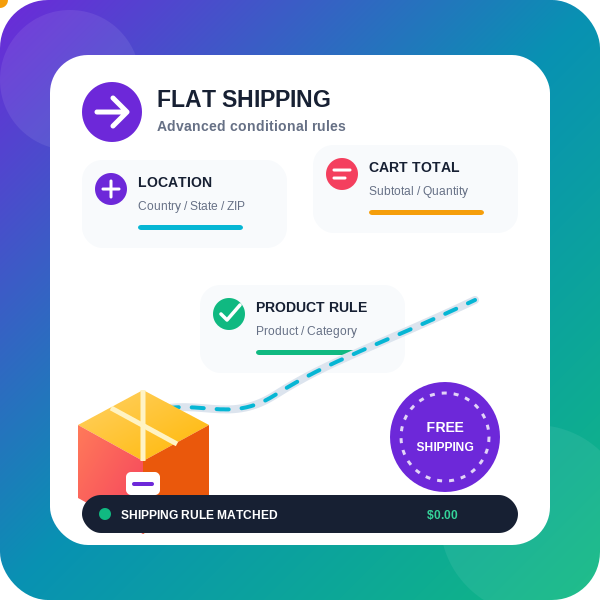
WooCommerce conditional shipping & WooCommerce Advanced shipping rates plugin to create Advanced Flat rate shipping or Free shipping method or tab …

By VillaTheme
Make your WooCommerce emails become professional.

By Vidish
Combo Offers WooCommerce is a plugin help you bundle a few products with your custom quantity, offer them at a discount and watch the sales go up!

By WP Swings
Use this powerful WordPress event plugin to create and sell events, manage tickets, check-ins, recurring schedules, venues, and attendee details with …

By FullStack-ing
Retiring during December. Existing features keep working in Classic Checkout and Cart & Checkout Blocks. Explore Smart COD PRO.
Labels plugin for WooCommerce. Create labels/badges with custom styles and text for any of your WooCommerce products.

By YayCommerce
WooCommerce Multi-Currency made easy, powerful, and flexible.

By VillaTheme
Cart All In One For WooCommerce helps your customers view cart effortlessly.
CHOOSE WHAT YOUR WEBSITE NEEDS
Start with the task you need to solve. Compare features, WordPress and PHP requirements, update history and the author’s documentation. Test changes on a private copy and avoid adding several plugins for the same job.
This independent directory displays plugin information on WebFulHost and links to the official source. Packages are not mirrored or installed here. A plugin can include paid extensions or services with separate terms from its author.
