

Secure WordPress MCP server: connect Claude, ChatGPT, Cursor & AI agents to 743 MCP tools for WooCommerce, SEO, page builders, approvals & Undo.
★ 5.0/5 (11)10,000+ active installations
- Version
- 1.5.10
- WordPress
- 6.9+
- PHP
- 7.4+
- Updated
- 25 Nov 2026
WORDPRESS RESOURCES
Explore public plugin information from the official WordPress.org directory. Compare what a plugin does, its requirements and update history before adding it to your website.
Explore WordPress hosting →1,108 matching plugins reported by WordPress.org · Page 20 of 50
Source: WordPress.org
Data refreshed 26 Nov 2026 04:30 UTC
Secure WordPress MCP server: connect Claude, ChatGPT, Cursor & AI agents to 743 MCP tools for WooCommerce, SEO, page builders, approvals & Undo.

By Randy Breland
Free Elementor widgets for PDF embed, comparison tables, FAQ and recipe schema, filterable galleries, and a table of contents.

By 4WP.dev
Apply theme.json style variations per page or let visitors switch styles on the frontend (FSE block themes).
180 admin, security and optimization tools in one plugin, all free. Enable only what you need; disabled modules never load.

By Codeies Pvt Ltd
A professional and customizable currency switcher for WooCommerce. Allow customers to switch between currencies with premium design styles.

By Greg - SiteOrigin
Build responsive page layouts using the widgets you know and love using this simple drag and drop page builder.
By PI Web Solution
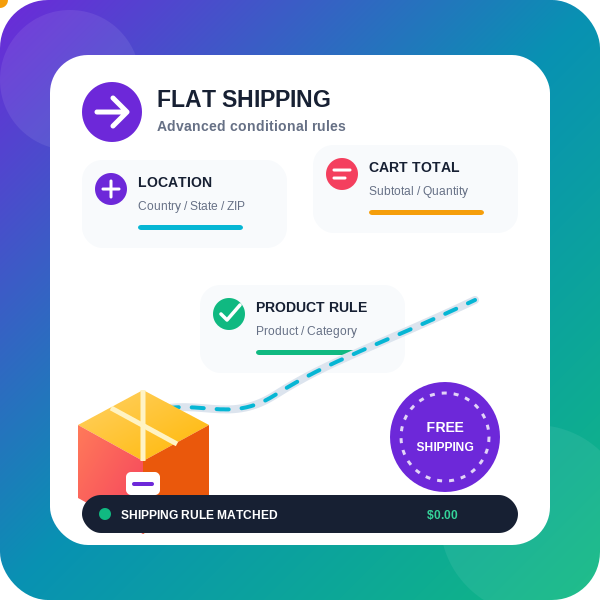
WooCommerce conditional shipping & WooCommerce Advanced shipping rates plugin to create Advanced Flat rate shipping or Free shipping method or tab …

Powered Cache is the most powerful caching and performance suite for WordPress. Easily Improve PageSpeed & Web Vitals Score.

By KUNAL SINGH SHEKHAWAT
Translate WordPress with AI, multilingual SEO and GEO: localized URLs, hreflang, schema and AI-readable content for global discovery.

By Jiwoon Kim
A light, dark, and auto color-scheme switcher block that remembers what the reader picked.

By neo332
Choose your preferred WordPress administration language without changing the language of the website frontend.

By Nowshad Jawad
Pin test users and switch between WordPress accounts in one click while developing plugins.
CHOOSE WHAT YOUR WEBSITE NEEDS
Start with the task you need to solve. Compare features, WordPress and PHP requirements, update history and the author’s documentation. Test changes on a private copy and avoid adding several plugins for the same job.
This independent directory displays plugin information on WebFulHost and links to the official source. Packages are not mirrored or installed here. A plugin can include paid extensions or services with separate terms from its author.
