

Import blog posts from ANY XML feed into WordPress with full control over mapping, scheduling, and duplicate handling.
0+ active installations
- Version
- 1.0.1
- WordPress
- 6.2+
- PHP
- 7.4+
- Updated
- 24 Aug 2026
WORDPRESS RESOURCES
Explore public plugin information from the official WordPress.org directory. Compare what a plugin does, its requirements and update history before adding it to your website.
Explore WordPress hosting →793 matching plugins reported by WordPress.org · Page 34 of 50
Source: WordPress.org
Data refreshed 23 Nov 2026 11:10 UTC
Import blog posts from ANY XML feed into WordPress with full control over mapping, scheduling, and duplicate handling.

By yatoon
Salon booking for WordPress with local scheduling, reminders, and customer self-service.

By Optimal Access
Turn curated content into stunning galleries, carousels, and grids on your WordPress site.

By luckydog007
Add configurable homepage dropdown menus and an optional desktop dock to the OneNav theme.

By bmltenabled
Pronounced "my-oh". Referring to the Spanish word "mayo" which means "May" in English. Mayo Event Manager is a compreh …

By @shift
Turn AI-friendly Markdown into editable WordPress blocks.
Firewall, 9 malware scanners, 2FA, country blocking, audit log preview — all free. 750+ WAF rules and 170,000+ signatures. No paywall.

By Forge12 Interactive GmbH
Firewall, malware scanner, 2FA and login protection that keeps your visitors' data on your own server. No CDN, no tracking, made in Germany.
By Tamas Rottenbacher
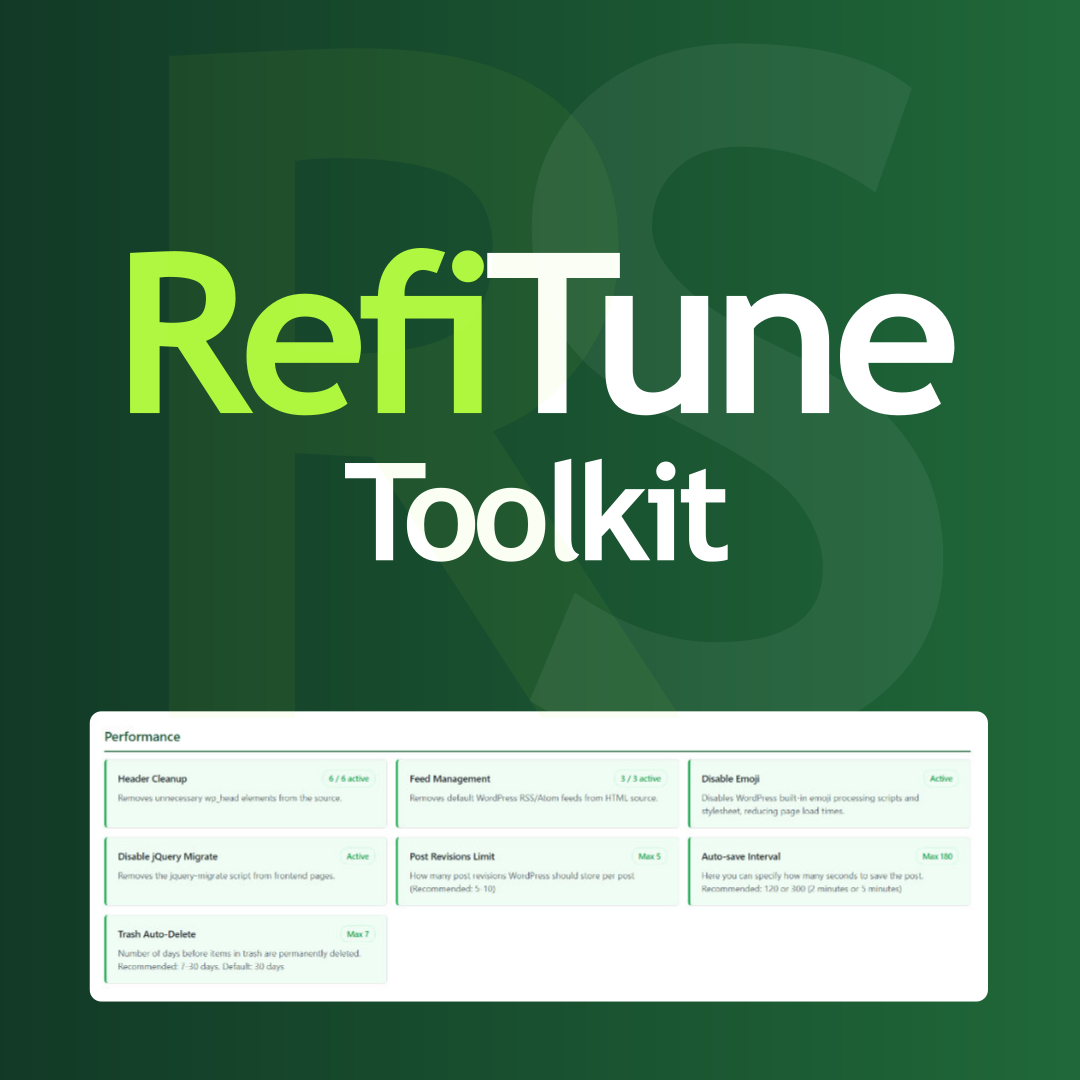
Take control of WordPress with smart performance tweaks, security enhancements, and usability improvements. RefiTune is an all-in-one toolkit.

By Gaty Tech
Create and manage WooCommerce products faster with quick editing, per-color data, cascading categories, brands, colors, sizes, and CSV import.

By nowarion
Connect WordPress to Nowarion AI to generate SEO article titles, headings, content, images, and drafts from wp-admin.

By inonkp
Sync Products, Inventory, and Orders between Woocommerce and Etsy.
CHOOSE WHAT YOUR WEBSITE NEEDS
Start with the task you need to solve. Compare features, WordPress and PHP requirements, update history and the author’s documentation. Test changes on a private copy and avoid adding several plugins for the same job.
This independent directory displays plugin information on WebFulHost and links to the official source. Packages are not mirrored or installed here. A plugin can include paid extensions or services with separate terms from its author.
