

Addons for Elementor Page Builder.
★ 5.0/5 (2)2,000+ active installations
- Version
- 1.8.2
- WordPress
- 5.6+
- PHP
- 5.4+
- Updated
- 10 Nov 2026
WORDPRESS RESOURCES
Explore public plugin information from the official WordPress.org directory. Compare what a plugin does, its requirements and update history before adding it to your website.
Explore WordPress hosting →4,192 matching plugins reported by WordPress.org · Page 45 of 50
Source: WordPress.org
Data refreshed 21 Nov 2026 05:58 UTC
Addons for Elementor Page Builder.

By Andrii Gorkovenko
Product video for the WooCommerce gallery: your own MP4 and WebM, or a YouTube, Vimeo, TikTok or Instagram video that loads only on Play.

By Soflyy
Import posts from CSV files into WordPress.

By VW THEMES
Ibtana - Ecommerce Product Addons, you get to explore so many options for editing the product page by simple drag and drop functionality.

By Noruzzaman
Logo Carousel, Image Slider & Testimonial blocks for Gutenberg. 5 transition effects, responsive design & full customization!

By Bokhtyer Abid
Media cleaner: find unused image, large and duplicate images, fix missing alt text, see where images are used, and free up disk space safely.
Create WordPress pages, blocks, and images with AI. Translate pages instantly.
By YITHEMES
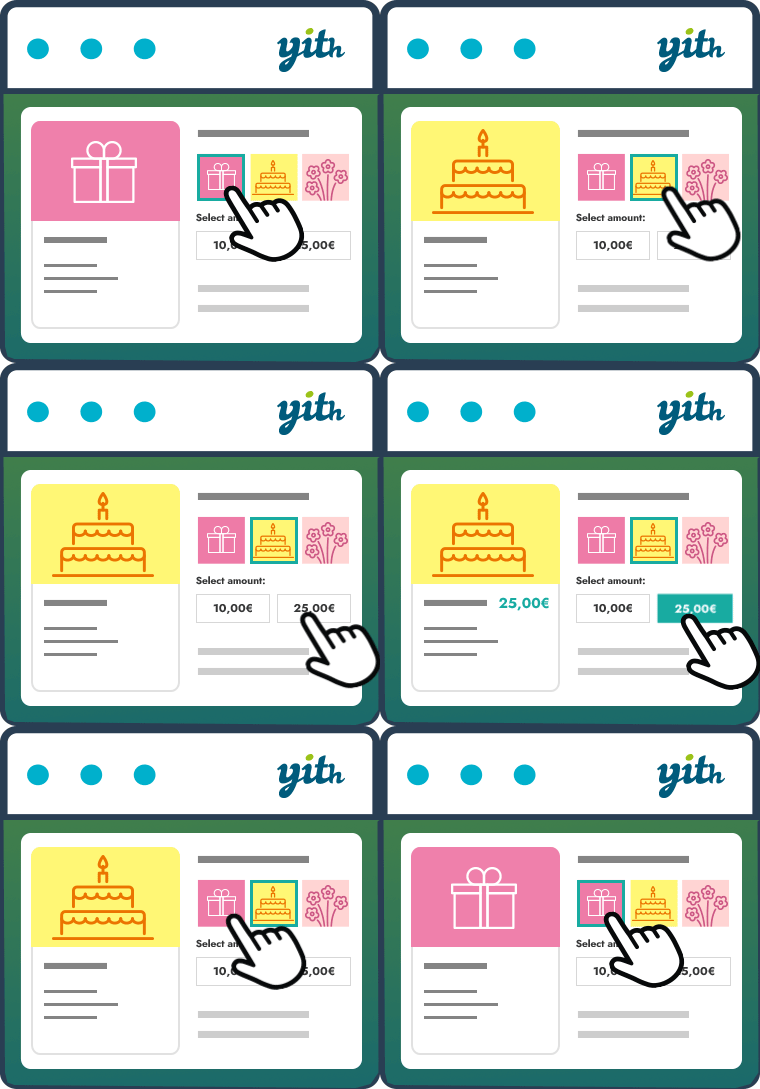
The essential tool for selling gift cards in your store, increasing your conversion rate and attracting new customers.

By WC Lovers
Professional frontend dashboard for WooCommerce and multivendor marketplaces. Supports WCFM Marketplace, Dokan, WC Vendors, WC Product Vendors.

Advanced Elementor addons plugin with widgets, WooCommerce builder, mega menu, popup builder and Elementor template kits for faster website design.

By wpweaver
Show Sliders partner to Show Posts plugin. Requires Show Post Plugin to work.
More than 20 special blocks for Gutenberg to build complex pages and animations with highest possible web vitals score.
CHOOSE WHAT YOUR WEBSITE NEEDS
Start with the task you need to solve. Compare features, WordPress and PHP requirements, update history and the author’s documentation. Test changes on a private copy and avoid adding several plugins for the same job.
This independent directory displays plugin information on WebFulHost and links to the official source. Packages are not mirrored or installed here. A plugin can include paid extensions or services with separate terms from its author.

