Boost trust & sales with WiserNotify! Show sign-ups, sales popups & reviews. Convert faster with Social proof & FOMO widgets.
★ 5.0/5 (29)900+ active installations
- Version
- 2.9
- WordPress
- 5.1+
- PHP
- 7.2+
- Updated
- 6 Feb 2026
WORDPRESS RESOURCES
Explore public plugin information from the official WordPress.org directory. Compare what a plugin does, its requirements and update history before adding it to your website.
Explore WordPress hosting →208 matching plugins reported by WordPress.org · Page 5 of 18
Source: WordPress.org
Data refreshed 21 Nov 2026 06:44 UTC
Boost trust & sales with WiserNotify! Show sign-ups, sales popups & reviews. Convert faster with Social proof & FOMO widgets.

By WP Event Manager
WP Event Manager Rest API

By CommerceBird
Automatically generate Apple Passes for Tickera via our Plug&Play CommerceBird Platform.
WordPress booking plugin for appointments & events. Control scheduling, calendars, orders, time slots, WooCommerce appointments & payments with ease.

Free unlimited live, automated & evergreen webinars on your own site. 500 visitors, zero sales? Sell live, right in the room.
By PI Web Solution
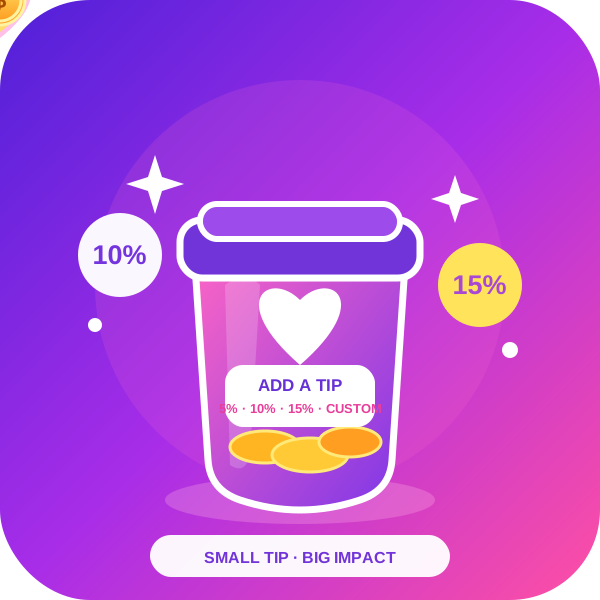
Order Tip for WooCommerce adds an option for customer service tips, tips for waitresses, in WooCommerce.

By jetmonsters
MotoPress Appointment Booking makes it easy for time and service-based businesses to accept bookings and appointments online.

By Arraytics
Build Eventin event pages in Elementor - 21 single-event widgets for the Eventin template builder.

By venuera
Event ticketing for WooCommerce: sell simple & variable tickets, collect attendee data, design PDF tickets with QR codes, and check guests in.
Send SMS, OTP & 2FA notifications from WordPress via Twilio. Includes automated alerts, bulk messaging, and integrations with popular plugins.

By logicoo
Multi-step form builder with conditional logic, calculated totals, PDF, bookings with limited places and a clean entries screen. By Logicoo.dev.
Publish events, sell tickets, take bookings and check attendees in with a QR code. Calendar and event list shortcodes included.
CHOOSE WHAT YOUR WEBSITE NEEDS
Start with the task you need to solve. Compare features, WordPress and PHP requirements, update history and the author’s documentation. Test changes on a private copy and avoid adding several plugins for the same job.
This independent directory displays plugin information on WebFulHost and links to the official source. Packages are not mirrored or installed here. A plugin can include paid extensions or services with separate terms from its author.