Daily malware scan, firewall, login protection and two-factor login. Checks files against WordPress.org and catches ClickFix fake-CAPTCHA injections.
100+ active installations
- Version
- 2.1.3
- WordPress
- 5.8+
- PHP
- 8.0+
- Updated
- 16 Nov 2026
View plugin details ↗Privacy-first WordPress security hardening, login protection, and local audit logging.
60+ active installations
- Version
- 1.5.0
- WordPress
- 6.4+
- PHP
- 7.4+
- Updated
- 19 Oct 2026
View plugin details ↗Advanced WordPress malware scanner, firewall, IP blocker, security headers, and attack monitoring plugin.
0+ active installations
- Version
- 1.0.7
- WordPress
- 5.6+
- PHP
- 7.4+
- Updated
- 22 May 2026
View plugin details ↗Build beautiful responsive forms for WordPress. Contact forms, surveys, quizzes, booking forms, payments, popups & more with NEX-Forms...
★ 4.1/5 (135)5,000+ active installations
- Version
- 9.3.4
- WordPress
- 5.3+
- PHP
- 7.2+
- Updated
- 9 Nov 2026
View plugin details ↗Full documentation CMS with custom post types, categories, hierarchical TOC, client-side search, and multi-product support.
★ 5.0/5 (1)0+ active installations
- Version
- 3.0.1
- WordPress
- 5.8+
- PHP
- 7.4+
- Updated
- 19 Aug 2026
View plugin details ↗Free AI SEO tools for WordPress: generate metadata, image alt text, social previews and content improvements while you stay in control.
★ 5.0/5 (1)100+ active installations
- Version
- 1.8
- WordPress
- 6.3+
- PHP
- 7.4+
- Updated
- 2 Sep 2026
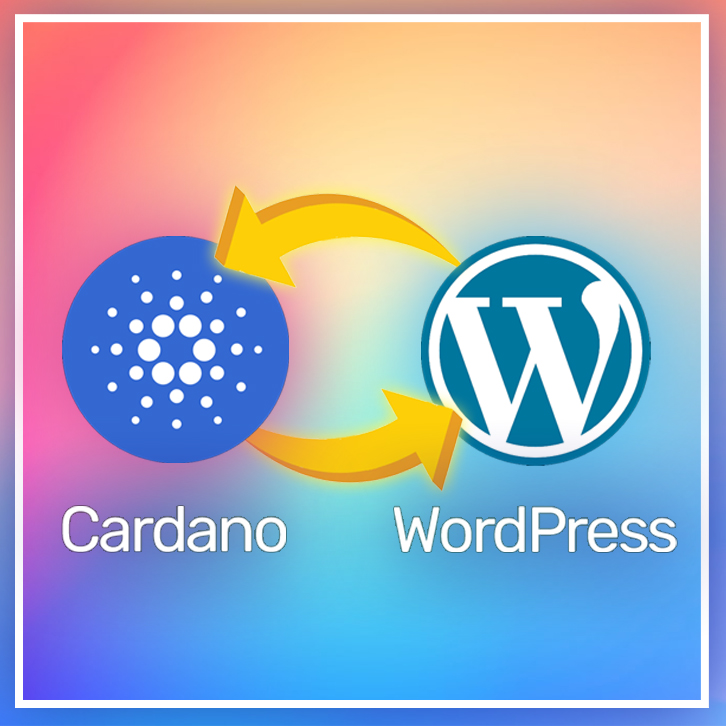
View plugin details ↗Integrate Cardano with WordPress: web3 wallet login, NFT & token gating, ADA payments, and stake pool delegation. Bridging Web2 and Web3.
★ 5.0/5 (14)30+ active installations
- Version
- 1.36.4
- WordPress
- 5.9+
- PHP
- 7.4+
- Updated
- 23 Nov 2026
View plugin details ↗A lightweight, focused security toolkit for WordPress: request firewall, core file integrity checks, malware scanning, and one-click hardening.
10+ active installations
- Version
- 1.0.5
- WordPress
- 6.0+
- PHP
- 7.4+
- Updated
- 2 Aug 2026
View plugin details ↗Displays a unique and different Chuck Norris fact every day via the official Chuck365.fr API.
0+ active installations
- Version
- 4.0.2
- WordPress
- 6.5+
- PHP
- 8.3+
- Updated
- 20 Aug 2026
View plugin details ↗Create robots.txt, ads.txt, security.txt, llms.txt & JSON files with AI-ready content generation (ChatGPT, Claude, Gemini) at any path. No FTP needed.
★ 5.0/5 (1)30+ active installations
- Version
- 1.0.1
- WordPress
- 5.0+
- PHP
- 7.4+
- Updated
- 28 Feb 2026
View plugin details ↗Upload SVG files to WordPress safely. Sanitize SVG and SVGZ, fix Media Library previews, and inline SVG icons so you can style them with CSS.
★ 5.0/5 (1)0+ active installations
- Version
- 1.0.3
- WordPress
- 6.0+
- PHP
- 7.4+
- Updated
- 30 Oct 2026
View plugin details ↗Decide what your site may load and who may use its files. Security headers are written for you.
0+ active installations
- Version
- 1.1.0
- WordPress
- 6.3+
- PHP
- 8.0+
- Updated
- 6 Nov 2026
View plugin details ↗